
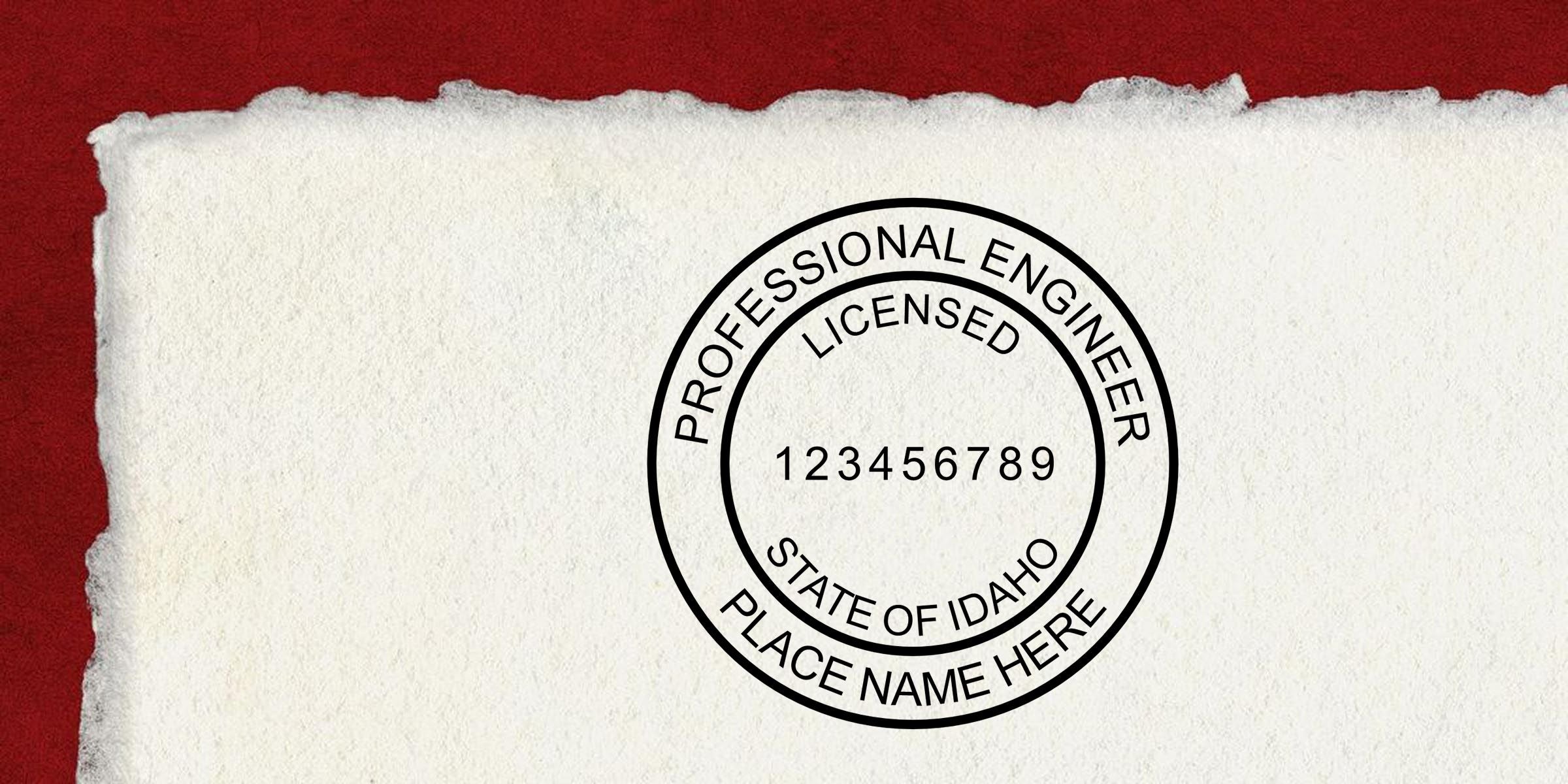
Have you ever wondered how to ensure your engineering documents always look polished and professional? An engineer seal template can be your reliable companion. You’ll use it to create consistent, compliant impressions across every project. If you’ve been searching for a trustworthy place to get your seal just right, you’re in the right spot.
Discover an engineer seal template
What it is
Your engineer seal template is essentially the digital framework for your official stamp. It outlines all the crucial details your state requires—your name, license number, and other identifying markers. A solid template makes life easier, especially if you handle repetitive sealing tasks.
Why you need it
There’s a good reason every professional engineer keeps a seal on hand. It authenticates your plans, adding a layer of credibility and authority. No more guesswork or confusion. Once you have your template sorted out, you’ll apply it to all your drawings, reports, and design files.
Meet state requirements effectively
Key design elements
Most states mandate specific layout features for your seal, from lettering size to spacing. These details matter because your stamp must be legible and clear. Typically, seals feature:
- Circular or rectangular borders.
- Easily readable text for your license info.
- Crisp lines that won’t fade over time.
Evaluating compliance
Before you finalize any template, double-check that it aligns with local engineering board standards. You’ll want to avoid rework or rejections. At Acorn Sales, all professional seals meet state guidelines, so you can rest easy knowing you’re working with a verified design.
Finalize your professional engineer stamp
Step-by-step approach
- Gather your details: name, license number, and state of licensure.
- Select a template that matches your specific region.
- Proof everything to confirm accuracy.
- Send the approved design for production at professional engineer stamp.
Handy tips
- Keep a digital copy in a safe folder.
- Update your info if you move states or renew your license.
- Mark templates clearly with the correct date, especially if your license is up for renewal.
Choose Acorn Sales advantage
Free digital seals and quick turnaround
When you order from Acorn Sales, we’re proud to provide free digital seals that you can start using right away. While you’re waiting for your physical stamp, you’ll already be set to stamp those crucial documents. Plus, we'll get your final product out the door fast.
State board guarantee
Every engineer seal you order from us is backed by a state board guarantee. We make sure your stamp meets the necessary requirements, so you never have to panic about compliance. It’s our commitment to your peace of mind.
Where to find your stamp
If you’d like a closer look at specific designs or you’re ready to place an order, head straight to our professional engineer stamp section. You’ll find a range of options, from self-inking to pre-inked seals.
Important takeaways
- An engineer seal template prevents design inconsistencies and keeps your documents looking sharp.
- Always confirm your seal meets your state’s requirements before applying it to any official record.
- Acorn Sales offers free digital seals, quick turnaround times, and a state board guarantee for added confidence.
When you’re ready to take the next step, explore our tried-and-true templates. With Acorn Sales on your side, you’ll have a seamless, professional engineer seal that checks all the right boxes.
Frequently Asked Questions
What is an engineer seal template, and why do I need one?
An engineer seal template is the digital layout used for your official engineering seal or stamp. It includes the required details such as your name, license number, and state of licensure. Using a template helps keep your documents consistent, professional, and compliant across drawings, reports, and project files.
How do I make sure my engineer seal template meets state requirements?
Check your state engineering board’s rules for seal size, shape, lettering, spacing, and required information. Before ordering or using a template, verify that every detail matches your local compliance standards. Choosing a provider that offers a state board guarantee can help reduce the risk of rejection.
What information should be included on a professional engineer stamp template?
A professional engineer stamp template typically includes your full name, PE license number, and the state where you’re licensed. Depending on your state, it may also require additional wording, border style, or formatting details. Always confirm the exact requirements before finalizing the design.
Can I use a digital engineer seal before my physical stamp arrives?
Yes, many providers offer a free digital seal you can use right away while waiting for your physical stamp. This is especially helpful when you need to sign off on documents quickly or start project approvals without delay. Just make sure the digital version also meets your state’s compliance requirements.
What is the difference between a self-inking and pre-inked professional engineer stamp?
A self-inking stamp automatically re-inks after each impression and is ideal for frequent use. A pre-inked stamp usually produces a sharper, cleaner impression and is often preferred for crisp document sealing. Both can work well, so the best choice depends on how often you’ll use your engineer seal and your preference for print quality.
How often should I update my engineer seal template?
You should update your engineer seal template anytime your license number changes, you move to a different state, or your state requires a new format after renewal. It’s also smart to review your template periodically to ensure it still matches current board rules. Keeping an updated digital copy makes reordering and compliance much easier.








