
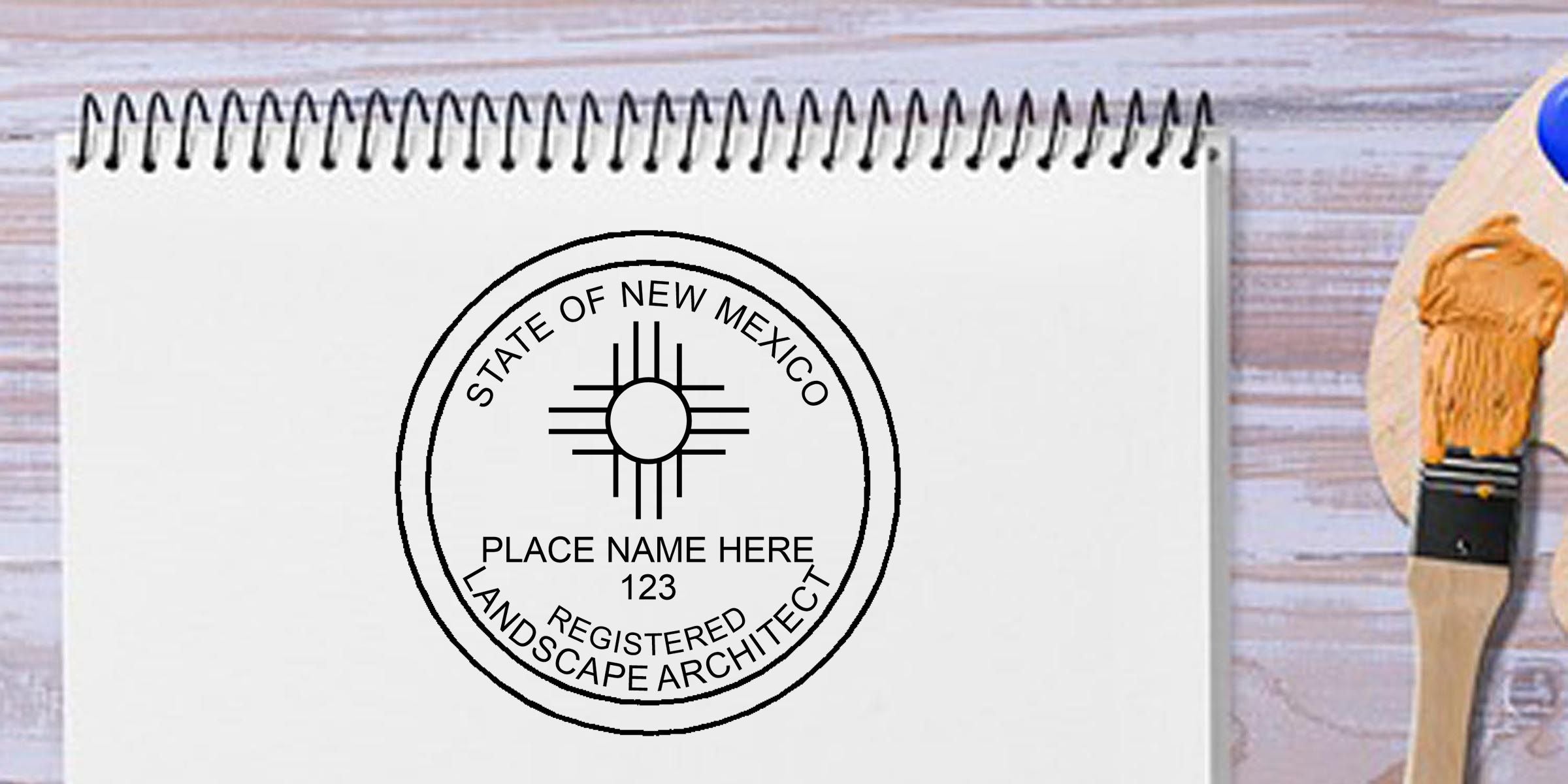
Anyone searching for a neat and professional way to validate technical drawings has likely considered an engineer stamp template. It is a straightforward resource to ensure your seal meets every standard, without the fuss of starting from scratch. In just a few minutes, you can have a polished impression that reflects your expertise and keeps your documents looking sharp.
Understand why templates matter
A good template gives you a head start. It already contains the essential components, like your name, license details, and relevant state requirements. Rather than manually arranging text or symbols, you simply fill in your information. That simplicity reduces errors, saves time, and provides a cohesive design from one project to the next.
Key reasons to choose a template
- Consistency: Ensures uniformity across multiple seals.
- Accuracy: Reduces risk of misspelling or spacing issues.
- Compliance: Helps align with state board guidelines, which is crucial for licensed engineers.
Check key features
Before committing to a specific layout, look for clarity, clean fonts, and enough space for essential details. Pay attention to any unique requirements your state board enforces. If you are unsure, you can refer to an official professional engineer stamp for guidance on proper formatting and text placement.
What you should verify
- Proper use of your full name and license number.
- Correct state-specific phrases, such as “Licensed Professional Engineer.”
- Appropriate border or design elements, based on local regulations.
Customize your professional seal
Templates are flexible, so you can add personal touches without losing compliance. For instance, you might choose a specific font style to match your brand. Make sure any changes still respect spacing, margin guidelines, or seal diameter specified by your licensure board.
Steps to fine-tune your seal
- Update the template with accurate personal data.
- Adjust text size or style if allowed, but keep readability in mind.
- Print a test copy on scrap paper to confirm proper alignment and clarity.
Choose a reliable provider
Even the best engineer stamp template falls short if production is poor. That is why companies like Acorn Sales stand out. In addition to free digital seals, you get a quick turnaround on physical products. All professional seals meet state requirements and come with a state board guarantee, which gives you extra peace of mind.
Why Acorn Sales is worth a look
- Free digital seals to start working right away.
- Fast fulfillment times that cater to tight deadlines.
- A state board guarantee on every seal, so you can order with confidence.
Wrap it up
Picking the right engineer stamp template lays the groundwork for a professional, compliant seal. Start by focusing on accuracy, clarity, and the essential legal text. Then, choose a reputable provider who offers quality and convenience, so you can finalize your seal with minimal stress. By being thorough at this stage, you will save yourself headaches down the line and feel confident every time you stamp a set of plans.
Frequently Asked Questions
What is an engineer stamp template and how does it help professional engineers?
An engineer stamp template is a pre-designed layout for creating a professional engineer seal that includes the essential details required for your documentation. It helps save time, reduces formatting errors, and keeps your seal consistent across drawings, reports, and PDFs.
Is an engineer stamp template compliant with state board requirements?
Yes, if the template is designed to match your state board’s rules. A compliant engineer stamp template should include your full name, license number, required wording, and any state-specific formatting details. Always verify the final design against your licensing board guidelines before using it.
Can I use an engineer stamp template with CAD and PDF workflows?
Yes. Many engineer stamp templates are made to work smoothly with CAD files and PDF documents. This makes it easier to add your professional engineer seal to technical drawings, reports, and submittals without recreating the stamp each time.
What information should be included in a professional engineer seal template?
A professional engineer seal template should typically include your full name, license number, state of licensure, and any required title or wording such as “Licensed Professional Engineer.” Depending on your state, border style, seal size, and other formatting details may also be required.
Can I customize an engineer stamp template without losing compliance?
Yes, you can usually customize font style, layout, or spacing as long as the final seal still meets your state board’s rules. The key is to keep all required information clear, readable, and properly positioned so the seal remains compliant and professional.
Why should I choose a provider that offers free digital seals and a state board guarantee?
Choosing a provider with free digital seals lets you start working right away, while a state board guarantee gives you added confidence that the seal meets regulatory requirements. This is especially helpful if you need a fast, reliable solution for professional engineer stamp templates, CAD files, or PDF documentation.








