
Written by Acorn Sales Company, manufacturing stamps and seals since 1964 · Reviewed by Holly R, VP of Sales and Marketing at Acorn Sales, against the State Board of Licensure for Architects, Professional Engineers, and Professional Land Surveyors and C.R.S. § 12-120-417 on 21 September 2026 · Updated 21 September 2026
Your signature and the date run across the face of the seal imprint, not beside it. Rule 1.7(A)(1) of 4 CCR 730-1 requires the original signature of the individual named on the seal and the date of that signature to appear “across the face of each original seal imprint,” with an exception allowed only as required for compliance with a federal contract. That one requirement settles the device question, because an embossed impression on a reproducible gives a signature nothing to cross.
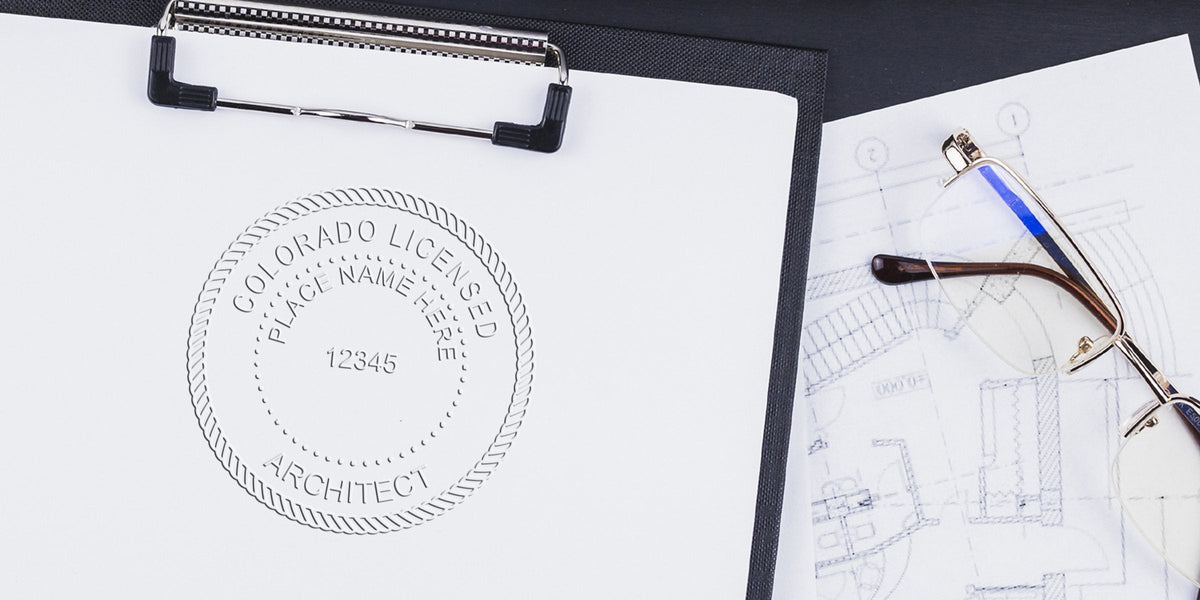
The geometry is two concentric circles: outer nominally 1-5/8 inches (41 mm), inner nominally 15/16 inches (24 mm), with COLORADO LICENSED on the upper arc, your name beneath it, your license number centered in the inner circle and ARCHITECT on the lower arc. The same rule document carries word for word identical dimensions for professional engineers at Rule 1.5(A)(1) and professional land surveyors at Rule 1.6(A)(1), so one specification covers all three of the board’s professions.
Check the proof for one word before you approve it. The board’s approved artwork carries the placeholder NUMBER inside the inner circle, and the rule anticipates exactly the mistake of sending that artwork on as-is: the assigned license number goes in the space NUMBER occupies, at the same letter size, and “the word ‘NUMBER’ should not appear on the seal.”
Colorado architect seal requirements at a glance
| Requirement | Colorado rule | Source |
|---|---|---|
| Seal required | Yes | C.R.S. § 12-120-417 |
| Required elements | Your name, Your license number, centered in the inner circle, The arc legend “COLORADO LICENSED” and The arc designation “ARCHITECT” | 4 CCR 730-1, Rule 1.7(A)(1) |
| Size and shape | Outer circle nominally 1-5/8 inches (41 mm); inner circle nominally 15/16 inches (24 mm). | 4 CCR 730-1, Rules 1.7(A)(1), 1.5(A)(1) and 1.6(A)(1) |
| Device allowed | Three devices are authorized by name: the crimp type, the rubber stamp type and the computer generated type, and the rule uses and or or, so you may hold more than one. | C.R.S. § 12-120-417 |
| Signature and date | The architect rule is worded differently from the engineer and surveyor rules and more plainly. | 4 CCR 730-1, Rule 1.7(A)(1) |
| What must be sealed | For architects the sealed item is each sheet of architectural drawings, applied to the final reproducible, the final reproduction, the final electronic record document or the record set. | 4 CCR 730-1, Rule 1.7(A) |
| Electronic seal | Colorado names two technologies rather than setting criteria alone. | 4 CCR 730-1, Rule 1.2(B) |
| Renewal and lapse | All architect, professional engineer and professional land surveyor licenses expire on October 31 of odd-numbered years, so Colorado runs a single statewide two-year cycle rather than rolling dates. | 4 CCR 730-1, Rules 1.3(A)(3) and 1.4 |
| Firm requirements | Not applicable. | C.R.S. Title 12, Article 120 |
| Regulator | The State Board of Licensure for Architects, Professional Engineers, and Professional Land Surveyors | 4 CCR 730-1, Rules and Regulations of the State Board of Licensure for Architects, Professional Engineers, and Professional Land Surveyors, principally Rules 1.2(B), 1.3(A)(3), 1.4 and 1.7(A), with Rules 1.5(A) and 1.6(A) for comparison, and C.R.S. §§ 12-120-216, 12-120-316 and 12-120-417, together with the Colorado Division of Professions and Occupations architect pages. One rule document covers three professions and the seal specification is word for word identical across them |


Is a seal required in Colorado?
The statute is permissive about owning a seal and the board rule is mandatory about using one. C.R.S. § 12-120-417 governs the architect’s seal, and Rule 1.7(A) of the board’s rules requires a manual or electronic seal to be applied to the final reproducible, the final reproduction, the final electronic record document or the record set of each sheet of architectural drawings, with the original signature of the individual named on the seal and the date of signature appearing “across the face of each original seal imprint.” The three professions the board licenses are covered by three parallel rules, 1.5 for engineers, 1.6 for land surveyors and 1.7 for architects, and the seal specification in each is word for word identical.
What must appear on the seal
- Your name
- Your license number, centered in the inner circle
- The arc legend “COLORADO LICENSED”
- The arc designation “ARCHITECT”
The board’s approved artwork carries the placeholder word NUMBER inside the inner circle, and the rule is explicit that the placeholder must not survive into the finished device: “The license number assigned shall be centered in the inner area of the seal in the space occupied by the word ‘NUMBER’ and the size of the numbers shall be the same size of the letters in the word ‘NUMBER’. The word ‘NUMBER’ should not appear on the seal.” There is also a grandfather clause whose date differs between the statute and the rule on the architect side: the statute protects seals held by architects licensed before July 1, 2013, while Rule 1.7(A)(1) says seals obtained prior to September 1, 2015 are deemed acceptable. Either way an existing older seal stays usable, so there is no compliance reason to replace one.
Size and shape
Outer circle nominally 1-5/8 inches (41 mm); inner circle nominally 15/16 inches (24 mm). Rule 1.7(A)(1) states both figures for architects, and Rules 1.5(A)(1) and 1.6(A)(1) repeat the identical dimensions word for word for professional engineers and professional land surveyors. The word is nominally, so ordinary manufacturing variation is tolerated, but the two-circle geometry with a specified inner diameter is unusual and a single-ring die does not match the approved design.



Embosser, rubber stamp or digital
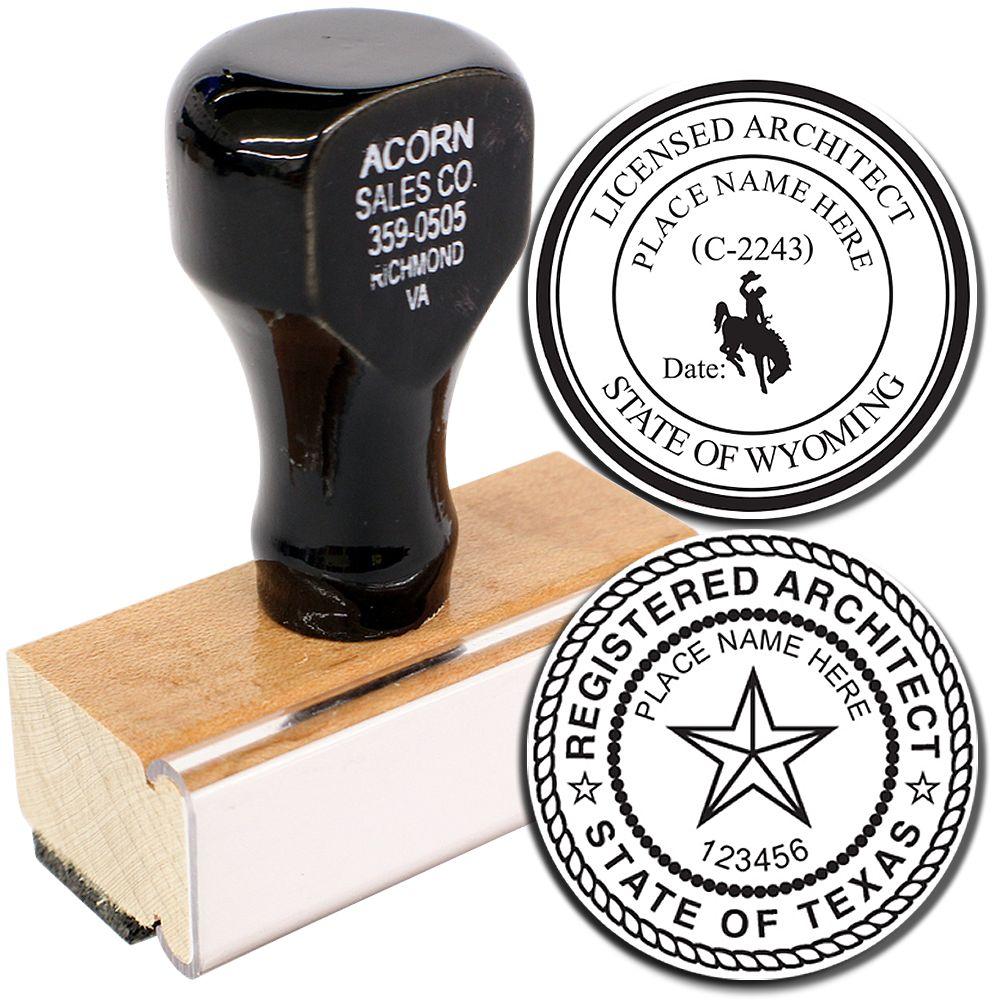
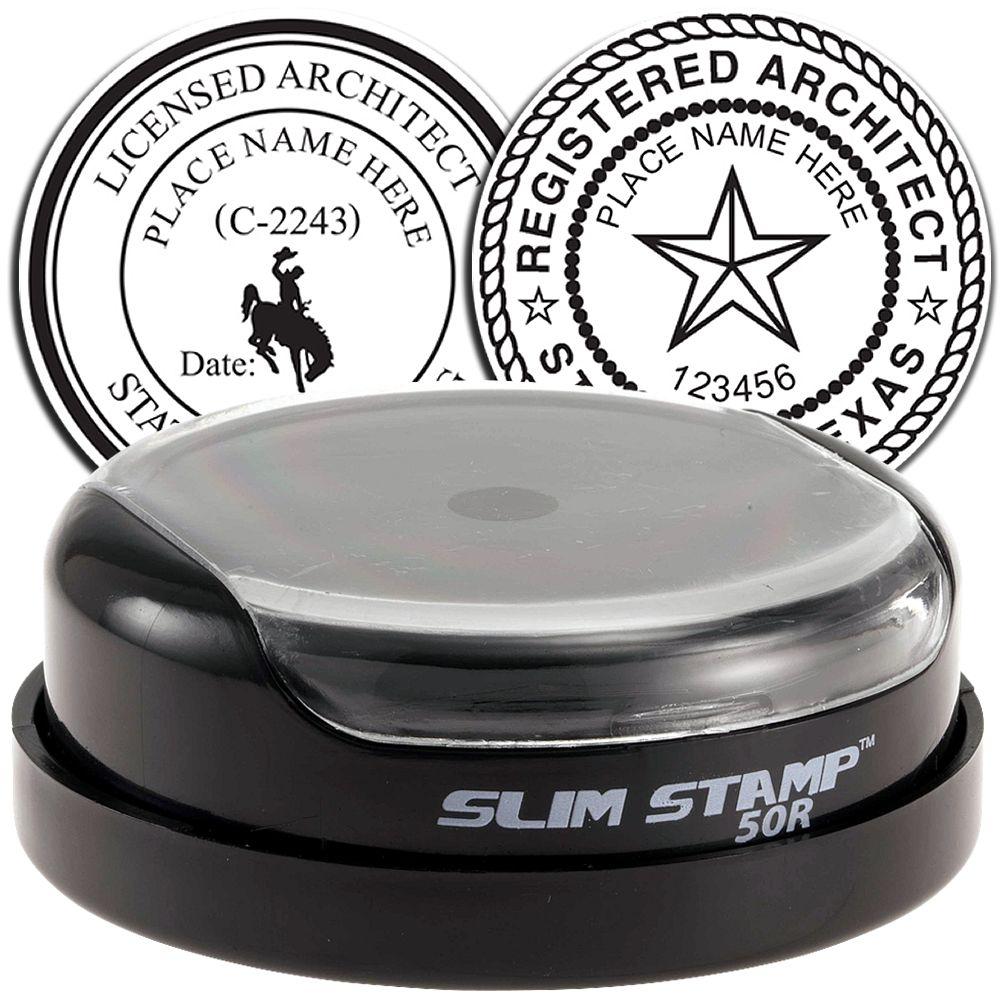
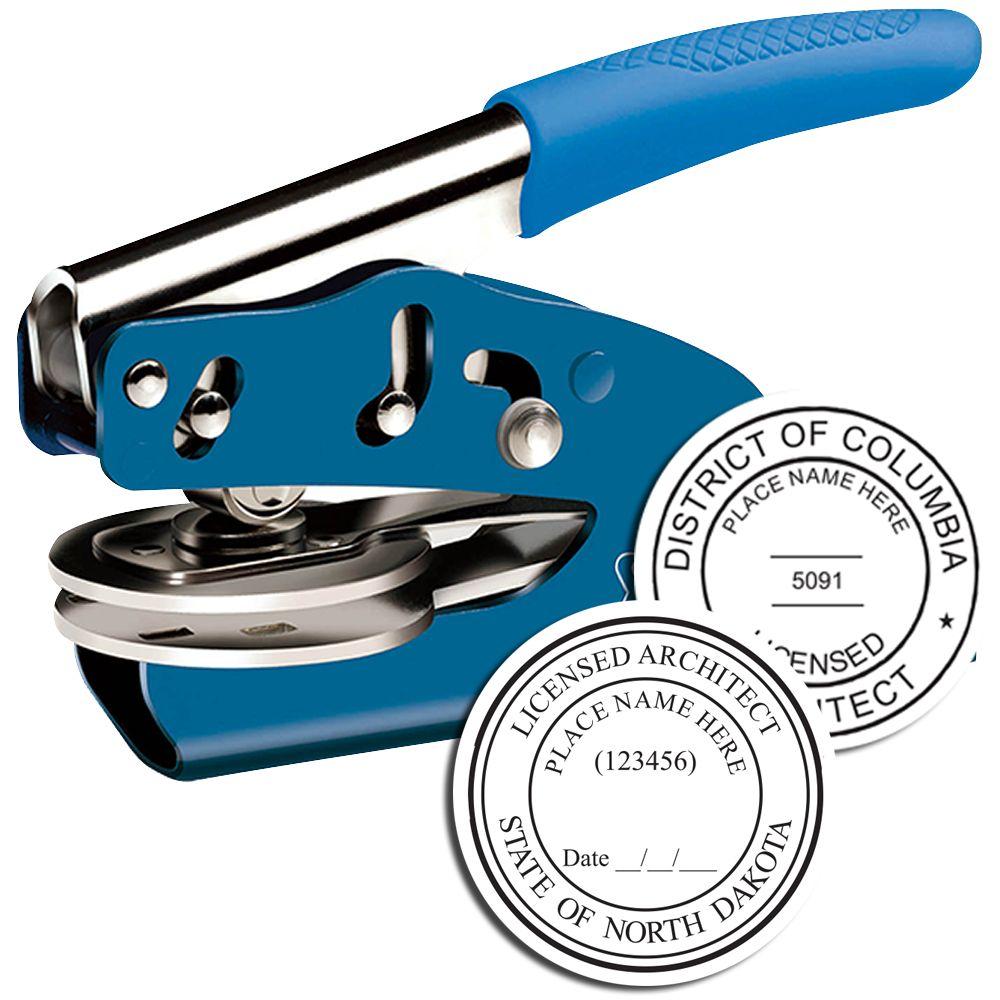
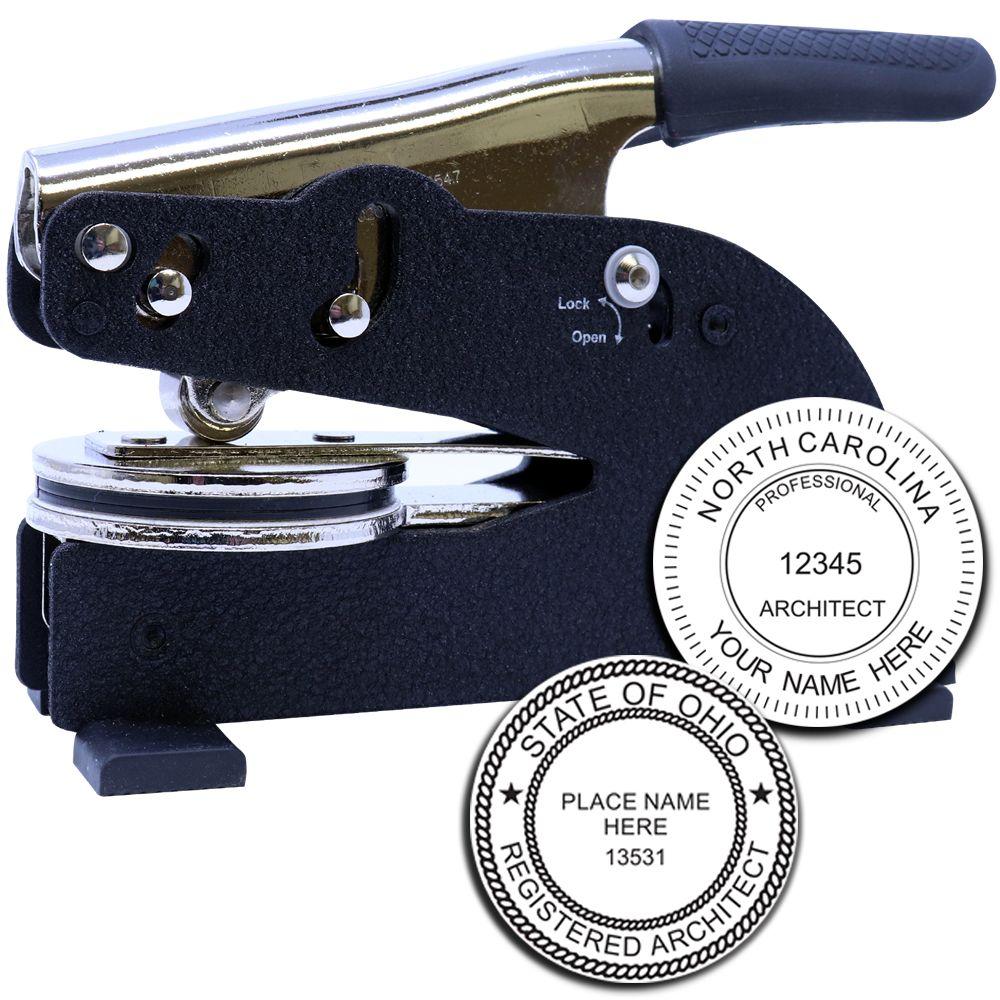
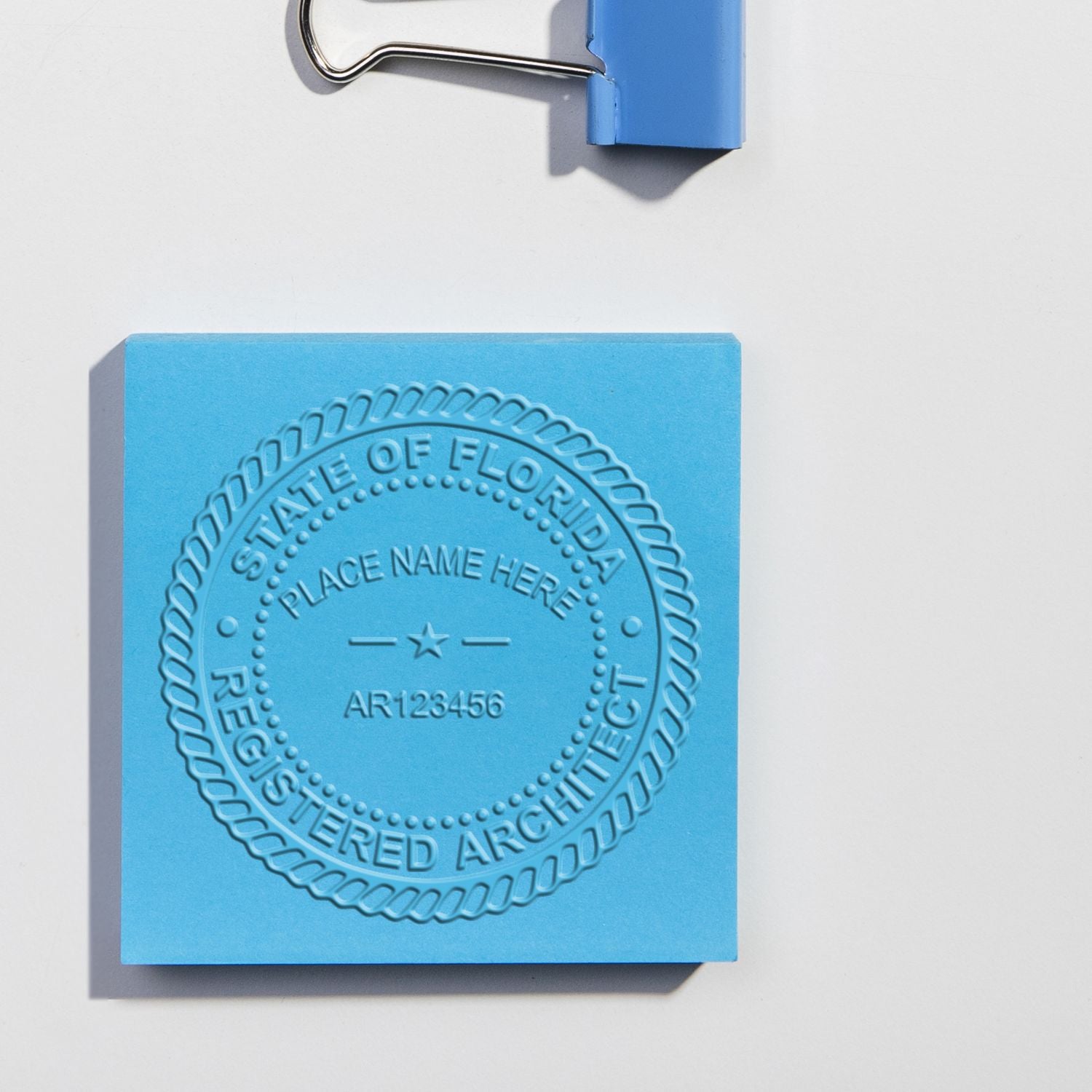
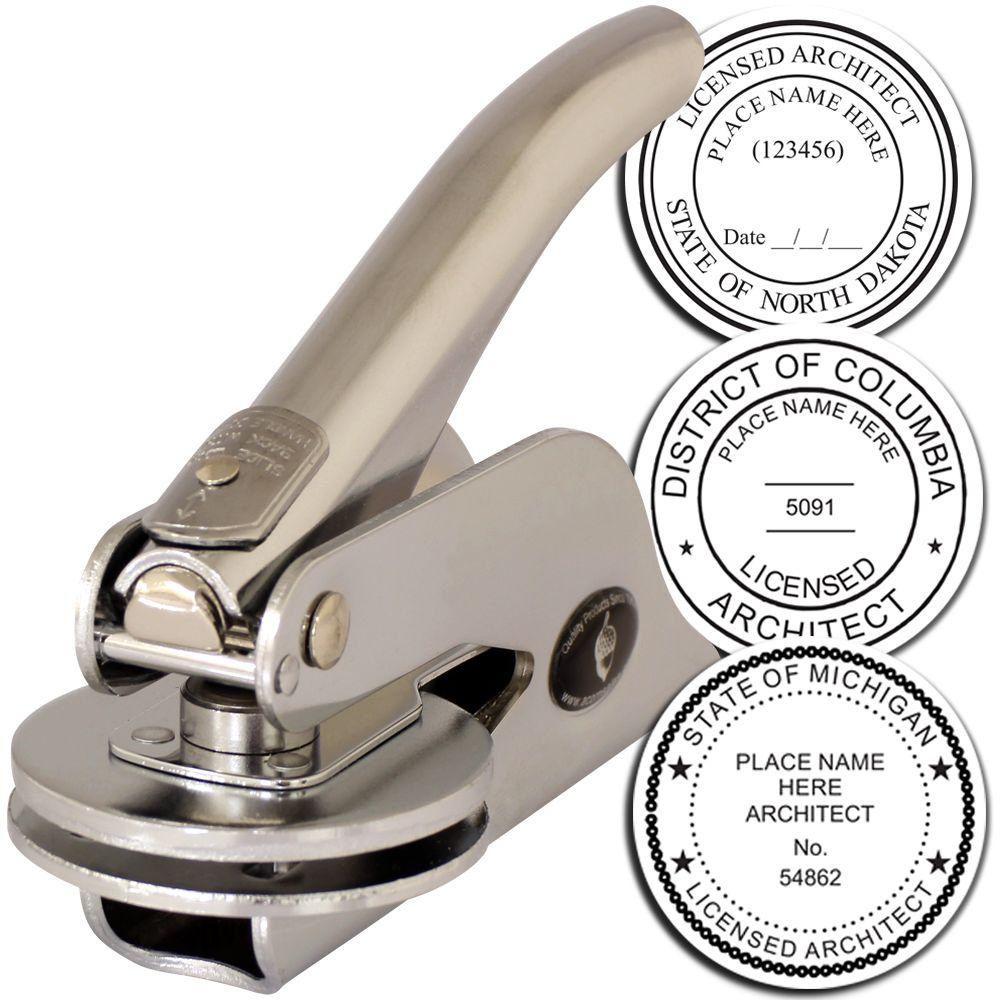
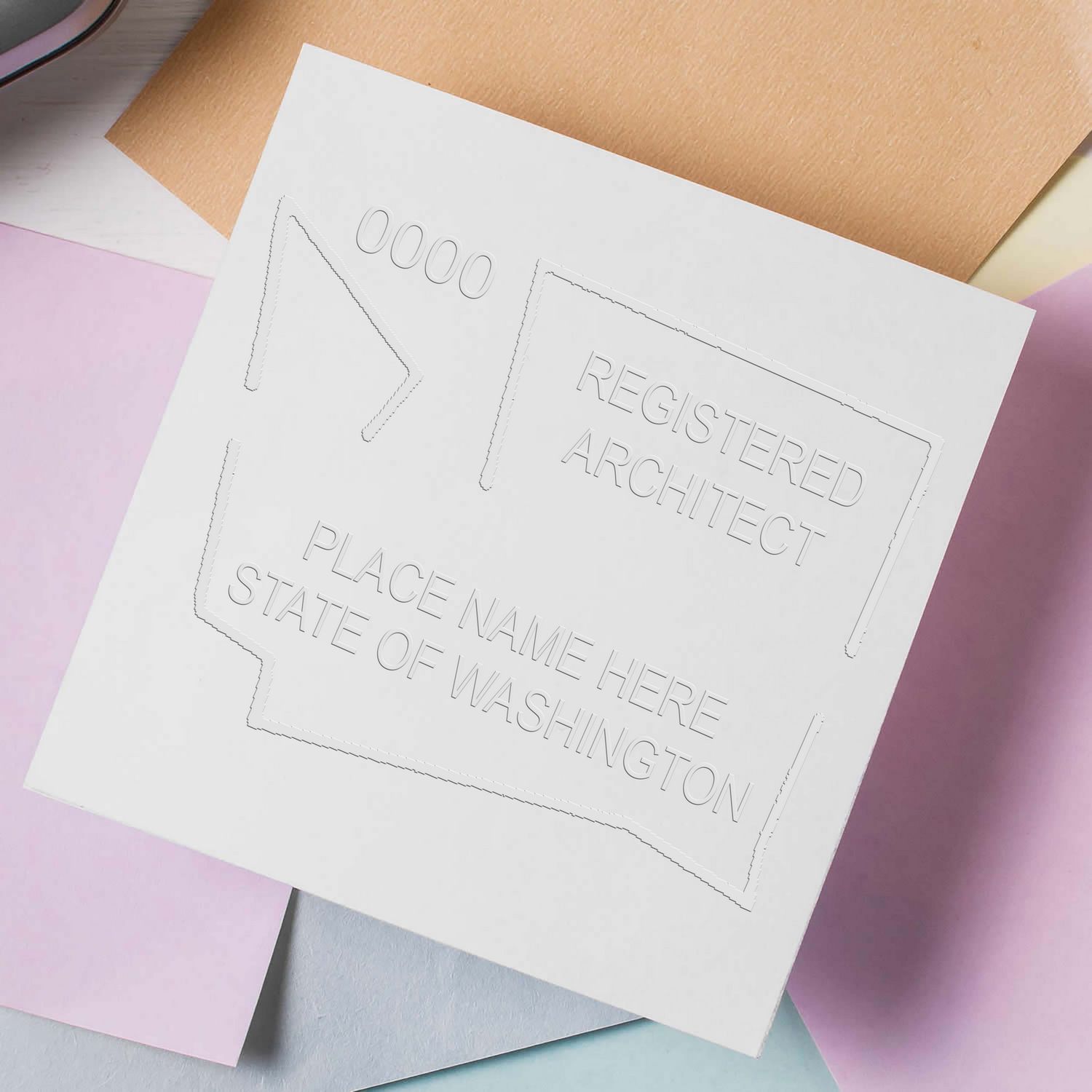
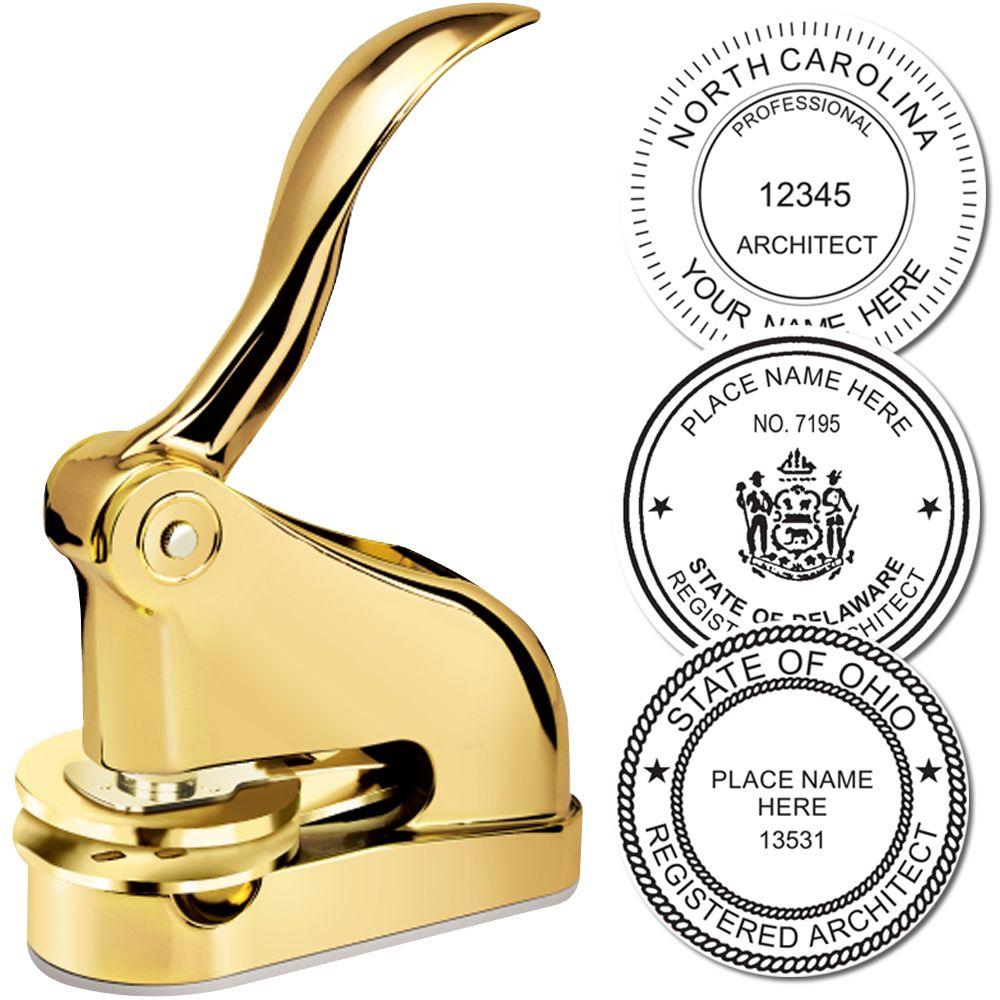
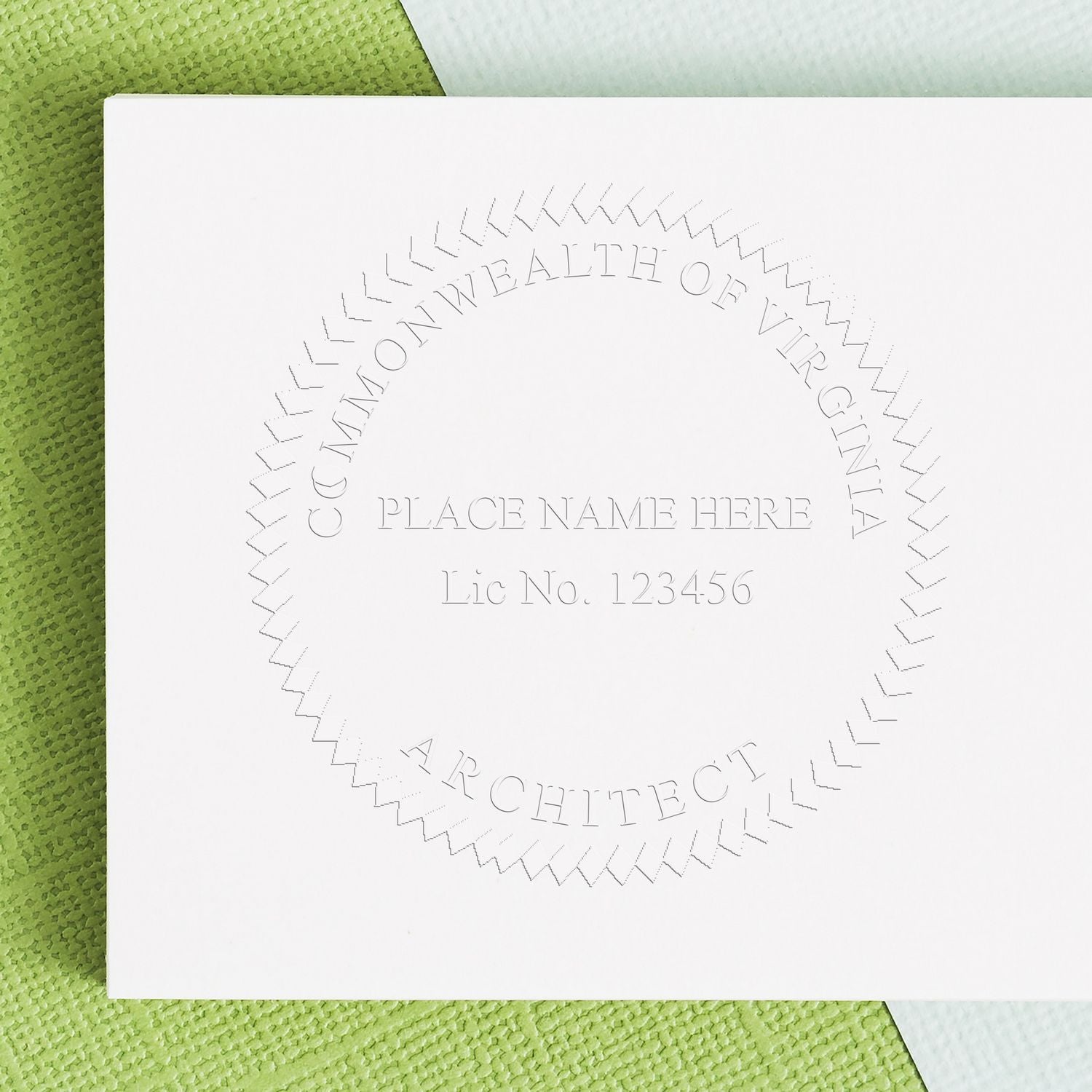
Three devices are authorized by name: the crimp type, the rubber stamp type and the computer generated type, and the rule uses and or or, so you may hold more than one. Crimp means an embosser. The safe buy is the rubber stamp, because the signature and date have to run across the face of the seal imprint and an embossed impression on a reproducible gives a signature nothing to cross.
Signing and dating
The architect rule is worded differently from the engineer and surveyor rules and more plainly. Rule 1.7(A)(1) requires “the original signature of the individual named on the seal and the date of the signature” to appear “across the face of each original seal imprint,” with an exception allowed only as required for compliance with a federal contract. Engineers and land surveyors are told instead that the signature and date “shall appear through the seal” under Rules 1.5(A)(3) and 1.6(A)(3). The practical effect is the same: the signature crosses the impression rather than sitting beside it.
The signature runs across the seal face, so buy the stamp rather than the embosser
Colorado does not put the signature next to the seal. Rule 1.7(A)(1) requires the original signature of the individual named on the seal and the date of the signature to appear “across the face of each original seal imprint,” with an exception allowed only as required for compliance with a federal contract. The engineer and land surveyor rules at 1.5(A)(3) and 1.6(A)(3) say the same thing in different words, that the signature and date “shall appear through the seal.”
That single requirement settles the device question. The statute authorizes a crimp type seal and you may own one, but an embossed impression on a reproducible gives a signature nothing to cross. The practical Colorado purchase is a rubber stamp with an open center, sized so a signature and a date fit across the inner circle without burying the license number.
The second Colorado-specific trap is the placeholder. The board’s approved artwork carries the word NUMBER inside the inner circle, and buyers routinely send that artwork to a supplier as-is. The rule anticipates exactly that mistake: the assigned license number goes in the space the word NUMBER occupies, at the same letter size, and “the word ‘NUMBER’ should not appear on the seal.”
Third, the grandfather dates differ between the statute and the rule and differ again between professions. On the architect side the statute protects architect seal held by architects licensed before July 1, 2013 while Rule 1.7(A)(1) deems seals obtained prior to September 1, 2015 acceptable; for engineers and surveyors the corresponding rule date is July 1, 2005. An older correct seal stays usable, so nobody should be pressed into replacing one.
Which documents must be sealed
For architects the sealed item is each sheet of architectural drawings, applied to the final reproducible, the final reproduction, the final electronic record document or the record set. That differs by profession within the same rule document: engineers seal each sheet of engineering drawings plus the cover, title or contents pages of bound specifications, the title pages of bound details and the title or signature page of engineering reports, and land surveyors seal documents and plats resulting from the practice of land surveying. Preliminary work is not exempt but must be labeled, and a licensee who signs and seals is responsible for the entire document unless a written note adjacent to the seal limits the scope to named disciplines.


Electronic and digital seals
Colorado names two technologies rather than setting criteria alone. Rule 1.2(B) provides that an electronic signature “can be generated by using either public key infrastructure or signature dynamics technology” and must be unique to the person using it, capable of verification, under that person’s sole control, and linked to the document so that the signature is invalidated if any data in the document are changed. The rule defines public key infrastructure as a technology in which trusted parties digitally sign documents certifying that a cryptographic key belongs to a particular user or device, and signature dynamics technology as a commercial electronic signature application dedicated to secure routing, authentication and verification with an audit trail.
Renewal, lapse and retirement
All architect, professional engineer and professional land surveyor licenses expire on October 31 of odd-numbered years, so Colorado runs a single statewide two-year cycle rather than rolling dates. The license number does not change on renewal or on reinstatement of an expired or retired license, so the seal never has to be recut. An expired or retired license may be reinstated by application and fee within two years. Rule 1.3(A)(3) places the custody duty on you: “Licensees shall be personally and professionally responsible and accountable for the care, custody, control, and use of their seals.” Nothing requires the seal to be surrendered or destroyed.
Firm requirements
Not applicable. Colorado does not license or register architecture, engineering or surveying firms and issues no certificate of authorization. C.R.S. Title 12 Article 120 runs Part 1 general provisions, Part 2 engineers, Part 3 land surveyors and Part 4 architects, and contains no firm registration provision; the Division of Professions and Occupations publishes applications only for individual architects, engineers, land surveyors and their intern credentials. No firm number appears on Colorado sealed documents and no firm holds a seal. Responsibility attaches to the individual through the responsible charge and scope-limiting provisions in the board’s rules.
What to check before you order
Ask for two concentric circles, outer nominally 1-5/8 inches (41 mm) and inner nominally 15/16 inches (24 mm), with COLORADO LICENSED on the upper arc, your name beneath it, your license number centered in the inner circle at the same letter size as the surrounding lettering, and ARCHITECT on the lower arc. Check the proof for the word NUMBER and reject it if it survived from the board’s artwork, because the rule says it should not appear on the seal. Buy the rubber stamp rather than the crimp embosser, since your signature and date must cross the face of each imprint, and insist that the inner area stay open enough to sign across without obscuring the number. If you already hold an older Colorado seal, keep it; the rule deems seals obtained before September 1, 2015 acceptable.
Browse architect stamps and seals.
Frequently asked questions
Is an architect seal required in Colorado?
Yes, by board rule. C.R.S. § 12-120-417 governs the architect’s seal, and Rule 1.7(A) requires a manual or electronic seal on the final reproducible, the final reproduction, the final electronic record document or the record set of each sheet of architectural drawings, with the original signature and the date of signature across the face of each original seal imprint. The statute is permissive about owning a seal; the rule is mandatory about using one.
What has to appear on a Colorado architect seal?
Four elements under Rule 1.7(A)(1): your name, your license number centered in the inner circle, the arc legend COLORADO LICENSED, and the arc designation ARCHITECT. The word NUMBER from the board’s artwork is a placeholder and should not survive onto the finished device.
What size is a Colorado architect seal?
Outer circle nominally 1-5/8 inches (41 mm), inner circle nominally 15/16 inches (24 mm), under Rule 1.7(A)(1). The word is nominally, so ordinary manufacturing variation is tolerated. The two-circle geometry with a specified inner diameter is unusual, and a single-ring die does not match the approved design however correct the wording.
Can I use an embosser in Colorado?
Three devices are authorized by name: the crimp type, the rubber stamp type and the computer generated type, and the rule joins them with and or or, so you may hold more than one. Crimp means an embosser. The rubber stamp is still the practical buy, because the signature and date have to run across the face of the imprint and a raised impression on a reproducible leaves nothing to cross. Keep the inner area open enough to sign across without burying the license number.
My Colorado seal is old. Do I need a new one?
No. Rule 1.7(A)(1) deems seals obtained prior to September 1, 2015 acceptable, and the statute separately protects seals held by architects licensed before July 1, 2013. The two dates differ, and for engineers and surveyors the corresponding rule date is July 1, 2005. Either way an existing correct seal stays usable, so there is no compliance reason to replace one.
Which documents get the Colorado architect seal?
Each sheet of architectural drawings, applied to the final reproducible, the final reproduction, the final electronic record document or the record set. That list differs by profession inside the same rule document: engineers also seal the cover, title or contents pages of bound specifications, the title pages of bound details and the title or signature page of engineering reports, and land surveyors seal documents and plats resulting from land surveying. Preliminary work is not exempt but must be labeled.
Am I responsible for the whole document when I seal it?
Yes, unless you say otherwise on the sheet. A licensee who signs and seals is responsible for the entire document unless a written note adjacent to the seal limits the scope to named disciplines. Rule 1.3(A)(3) adds the custody duty: “Licensees shall be personally and professionally responsible and accountable for the care, custody, control, and use of their seals.”
What electronic signature technology does Colorado accept?
Colorado names two rather than stating criteria alone. Rule 1.2(B) provides that an electronic signature “can be generated by using either public key infrastructure or signature dynamics technology,” and must be unique to the person using it, capable of verification, under that person’s sole control, and linked to the document so that the signature is invalidated if any data in the document are changed. The rule defines public key infrastructure as a technology in which trusted parties digitally sign documents certifying that a cryptographic key belongs to a particular user or device, and signature dynamics technology as a commercial application dedicated to secure routing, authentication and verification with an audit trail.
Does my Colorado seal need replacing at renewal?
No. Architect, professional engineer and professional land surveyor licenses all expire on October 31 of odd-numbered years, so Colorado runs one statewide two-year cycle rather than rolling dates. The license number does not change on renewal or on reinstatement of an expired or retired license, and no date appears on the face, so the seal never has to be recut. An expired or retired license may be reinstated by application and fee within two years. Nothing requires the seal to be surrendered or destroyed.
Does a Colorado architecture firm need registration or a firm seal?
Neither exists. Colorado does not license or register architecture, engineering or surveying firms and issues no certificate of authorization. Title 12, Article 120 runs general provisions, engineers, land surveyors and architects and contains no firm registration provision, and the Division of Professions and Occupations publishes applications only for individuals and their intern credentials. No firm number appears on a Colorado sealed document, and responsibility attaches to you through the responsible charge and scope-limiting provisions in the board’s rules.








