
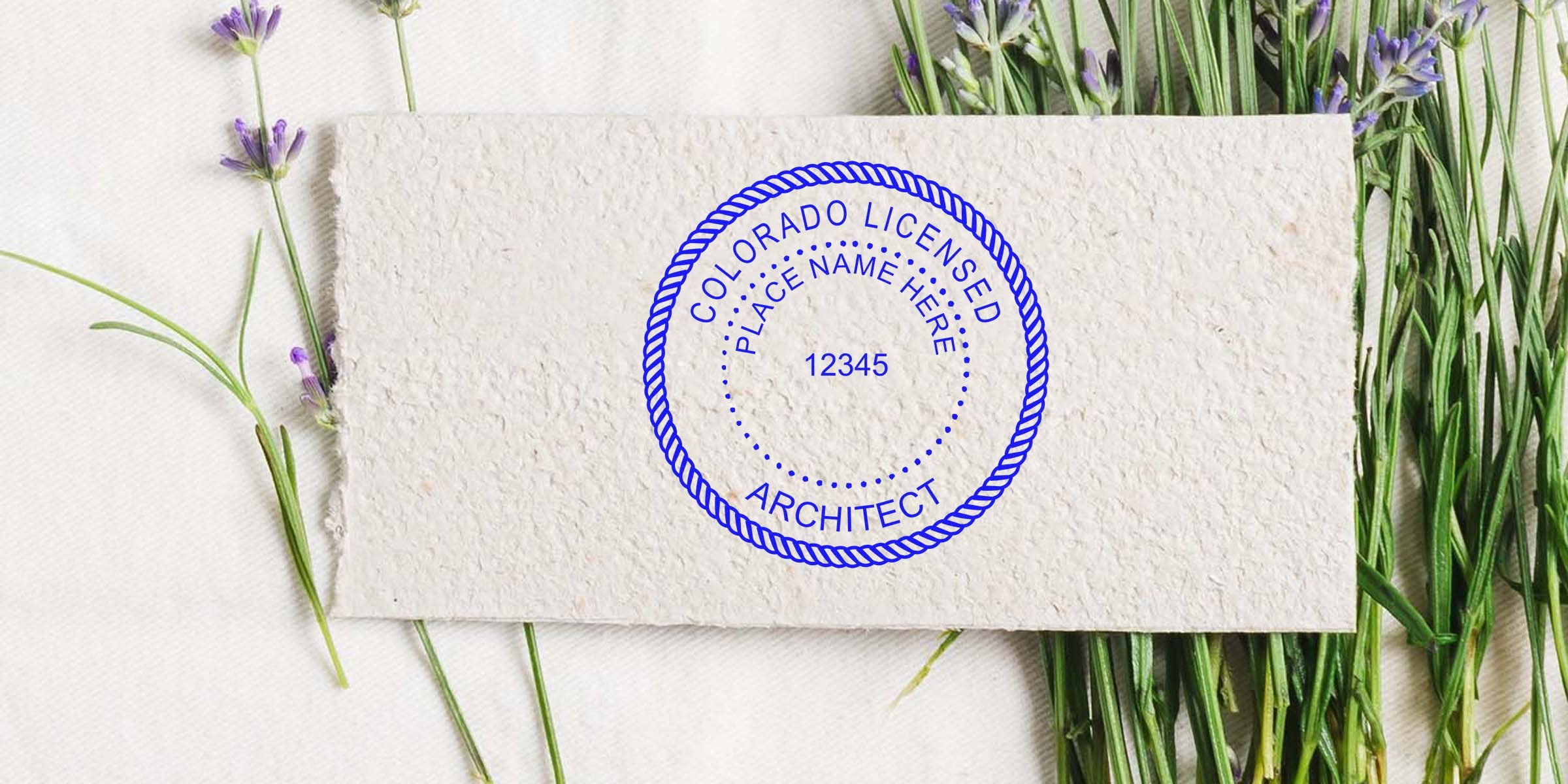
If you’re working as an architect in Colorado, you’ve probably heard about Colorado architect seal guidelines and might be wondering exactly how these regulations impact your day-to-day projects. Don’t worry, you’re not alone. In this post, you’ll discover the essential facts to keep your work above board and avoid any compliance hiccups.
Understand Colorado Architect Seal Basics
At its core, your architect seal proves your professional standing, signifying you’ve met all state licensing requirements. Anytime you submit architectural documents, your seal acts like a stamp of authenticity. It’s not just about putting your name on the page, it’s about ensuring public safety and showing you take your professional responsibilities seriously.
- Printed or Embossed: Your seal can be physical (embossed) or digital, but it must be clearly legible.
- Professional Info: The seal typically includes your name, license number, and the phrase “State of Colorado.”
Comply With State Requirements
Beyond simply having a seal, Colorado also has specific rules on how and when your seal should be used. You may want to check out additional Colorado Architect Stamp Requirements for more detailed insights.
- Document Types: Any design plans, drawings, or technical documents you sign off on must display the seal in a consistently visible spot.
- Signature and Date: Alongside your seal, include your signature and the date you sealed the documents.
- Electronic Submissions: If you’re submitting documents online, be sure to only use state-approved digital seals, ensuring they can’t be tampered with or duplicated without permission.
Avoid Common Pitfalls
When it comes to Colorado architect seal guidelines, small oversights can add up quickly. Here are a few common mistakes you’ll want to dodge:
- Missing Seal on Revisions: Each revision should show an updated seal alongside the revised date.
- Illegible Images: Blurry, low-resolution seals might cost you time if submissions are rejected.
- Failing to Track Dates: Not including the correct date on each sealed document can cause confusion and even legal headaches.
Choose a Trusted Seal Supplier
These guidelines might sound daunting at first, but it’s actually simpler when you have the right tools and resources. That’s where Acorn Sales comes in. We’ve been crafting stamps and seals for over 60 years, keeping up with all state requirements so you can focus on your core work. From high-quality embossed seals to digital stamp solutions, we offer a quick turnaround and guaranteed state compliance for your Colorado architect seal. It’s all about peace of mind while you get your designs out the door.
By following these Colorado architect seal guidelines, you’re not just ticking a box, you’re upholding the professional standards that protect the public and your own hard-earned credentials. If you haven’t done so already, consider upgrading to a state-compliant seal from Acorn Sales. You’ll soon see how peace of mind comes in a neat little imprint. Happy designing!
Frequently Asked Questions
Can I Design My Own Seal?
Typically, you can’t create a completely custom seal. The seal must meet state standards, including size, wording, and layout.
Do I Need a Separate Seal for Each Project?
No. Your one active seal covers multiple projects, but remember to apply it correctly to each set of official documents.
Is a Digital Seal Accepted Everywhere?
In most cases, yes. Colorado generally accepts digital seals as long as they meet the same security and legibility standards as physical ones.
What If I Lose My Physical Seal?
If your seal is misplaced, you should replace it promptly. Using a compromised seal can raise questions of authenticity.
Which Documents Must Be Sealed?
Any official design or construction documents you submit under your professional license—plans, drawings, or reports—require a seal, signature, and date.








