

Written by Acorn Sales Company, manufacturing stamps and seals since 1964 · Reviewed by Holly R, VP of Sales and Marketing at Acorn Sales, against the 13 published eSeal electronic image listings and the complimentary e-seal terms on the physical professional and notary seal range on 22 September 2026 · Updated 28 October 2026
An eSeal is an electronic image of your stamp or seal, delivered by email rather than in a box. Acorn publishes thirteen of them, one for each discipline it cuts seals for, and each is $20.00 on its own. Twelve of the thirteen listings state the same specification: a 300 dpi image sent as PNG, DWG, JPG, DXF, PDF and TIF. The corporate version is the exception, and its listing states JPG and TIF only. The eleven professional listings also say the product is free with a physical stamp or seal purchase, and the physical seal listings agree, describing a complimentary e-seal emailed as tif, jpg, pdf and dxf files. The sentence that matters most sits in the middle of every professional and notary listing and is easy to read past: electronic encryption and an electronic signature are not included with the purchase. What you are buying is an image of your seal. It is not a digital signature, and the two do different jobs.
What these are for
The file exists because a growing share of sealed work is never printed. An engineer sends a plan set as a PDF, a surveyor issues a plat from CAD, an appraiser emails a report, and a company sends a certificate as an attachment. In each case the sealing professional needs the face of the seal as a file rather than as an impression. The eSeal supplies that and nothing more. It is generated from the same artwork Acorn cuts for the physical die, so the name, number, discipline and state read exactly as they do on the rubber or the embossed circle. Three groups use it. Licensed professionals in the eleven disciplines Acorn makes state seals for place it on drawings and reports. Notaries use it on electronic documents, at whatever size and under whatever conditions their own state sets. Companies use the corporate version on certificates, letters and PDFs.
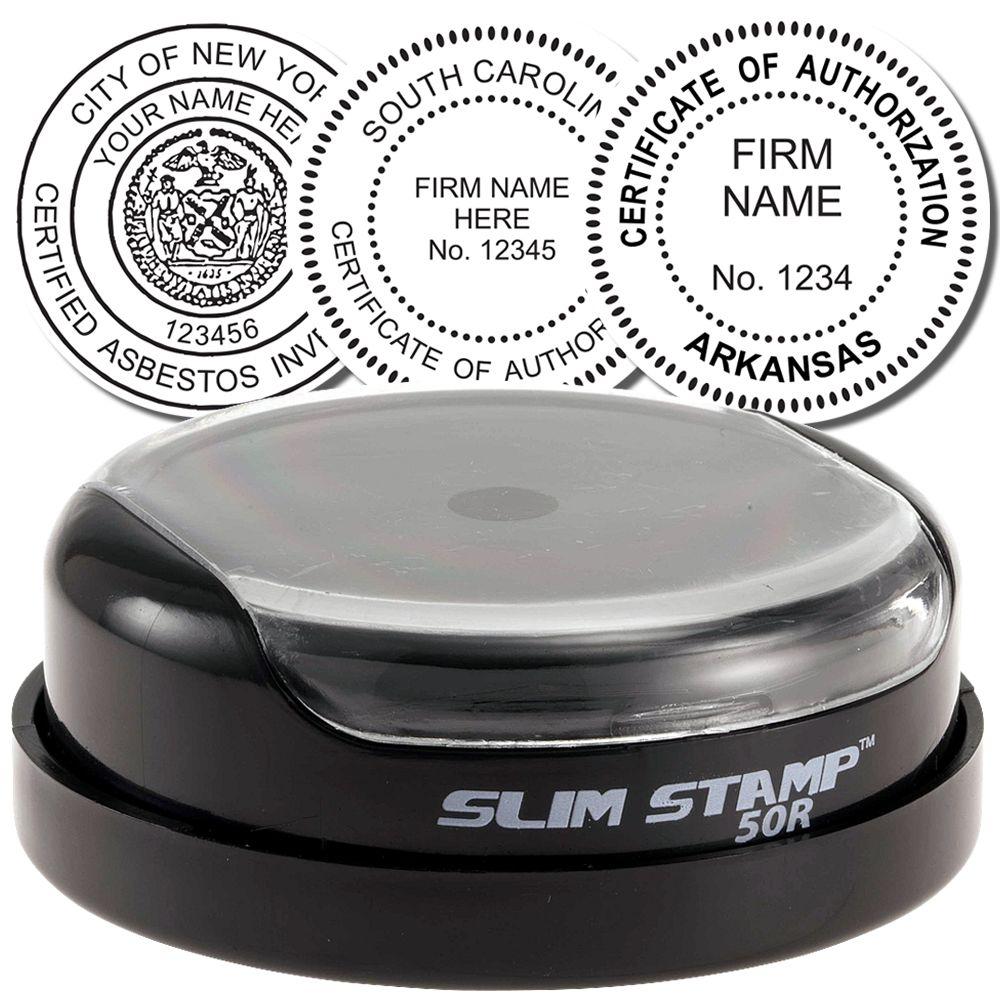
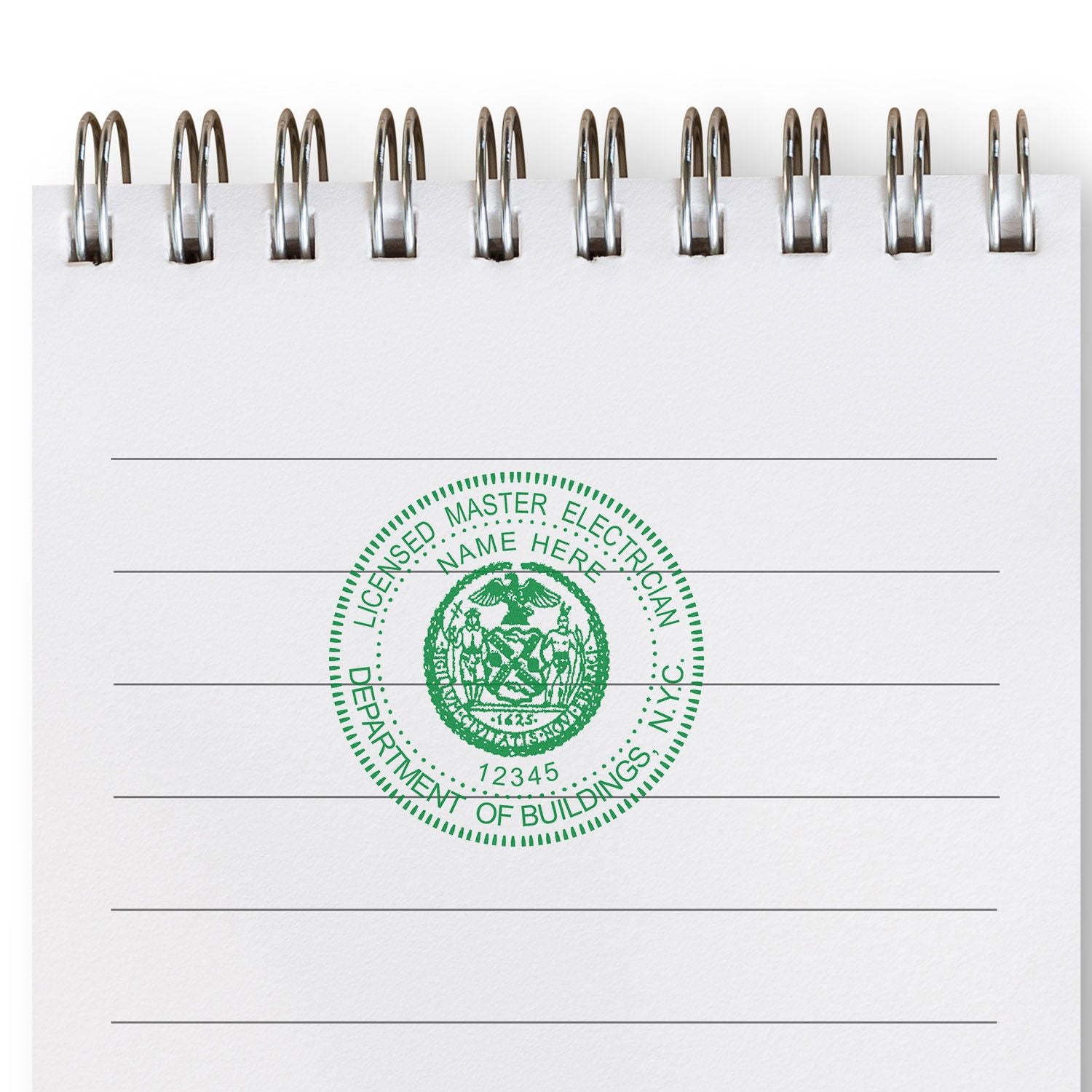
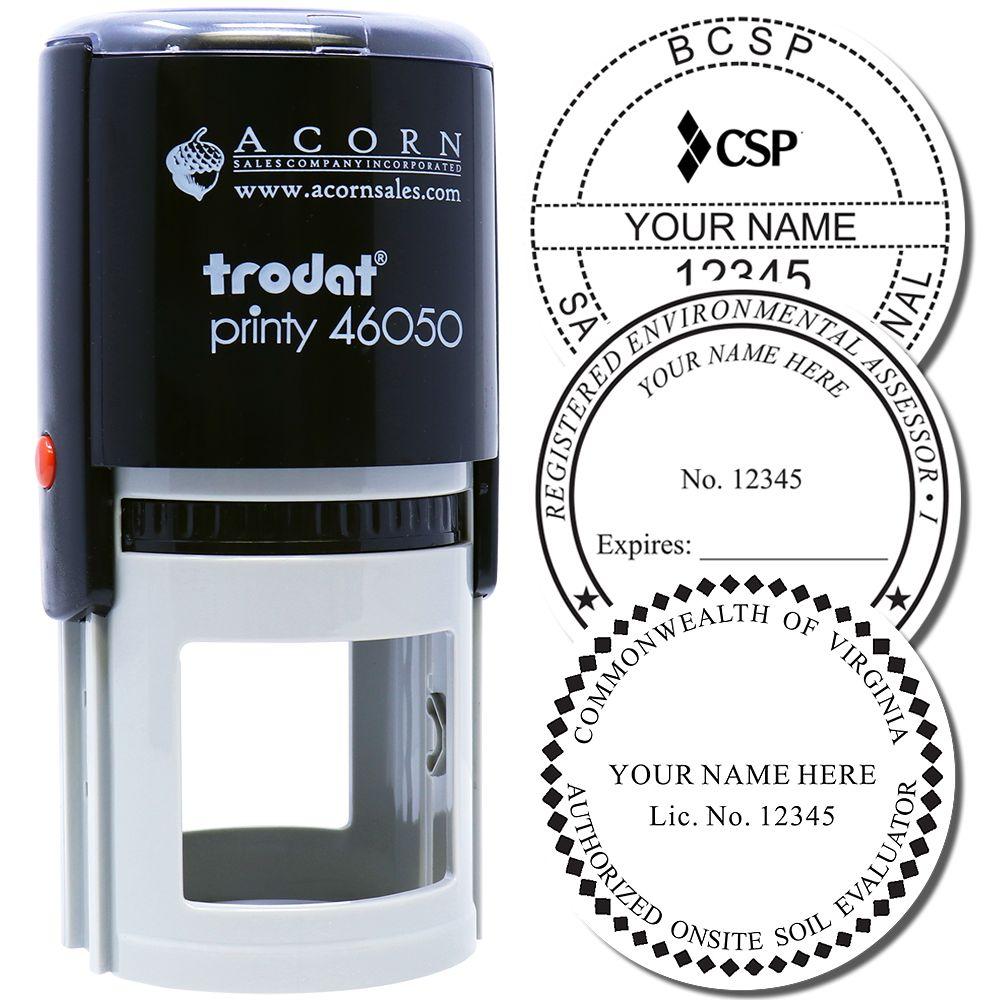

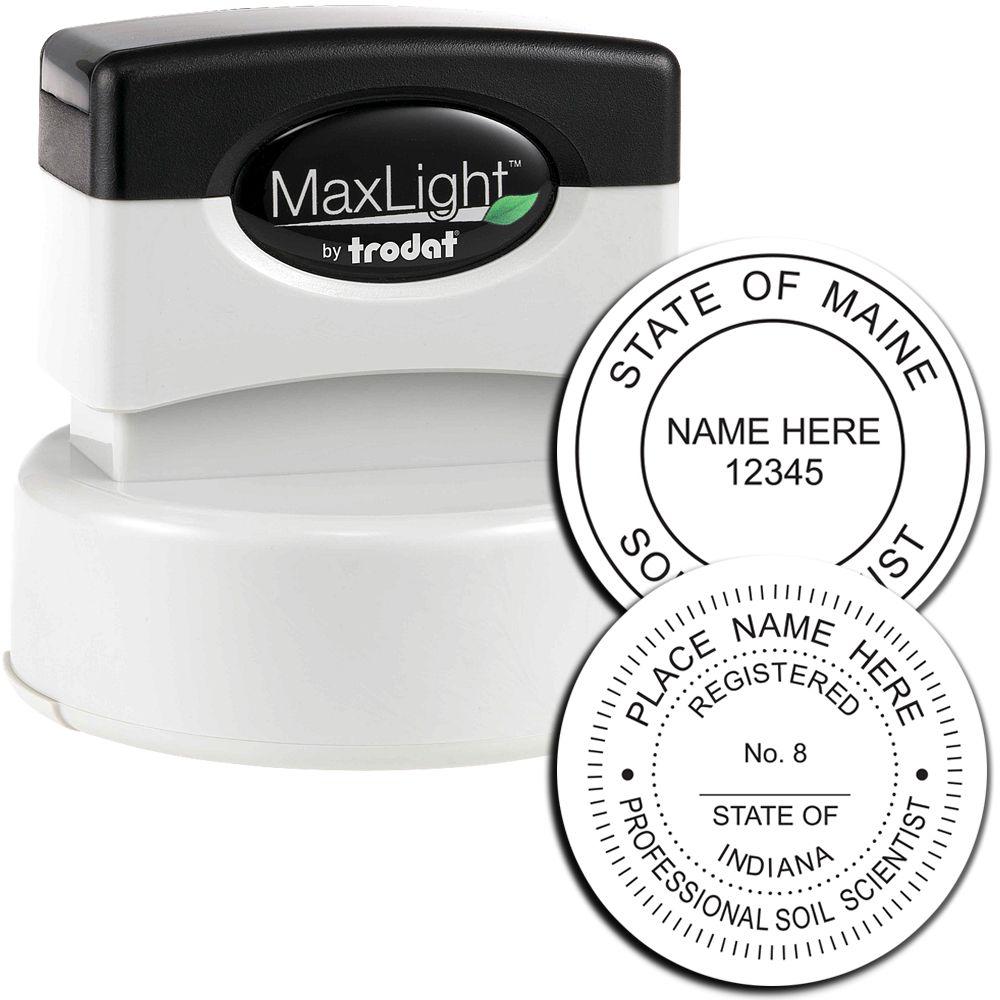

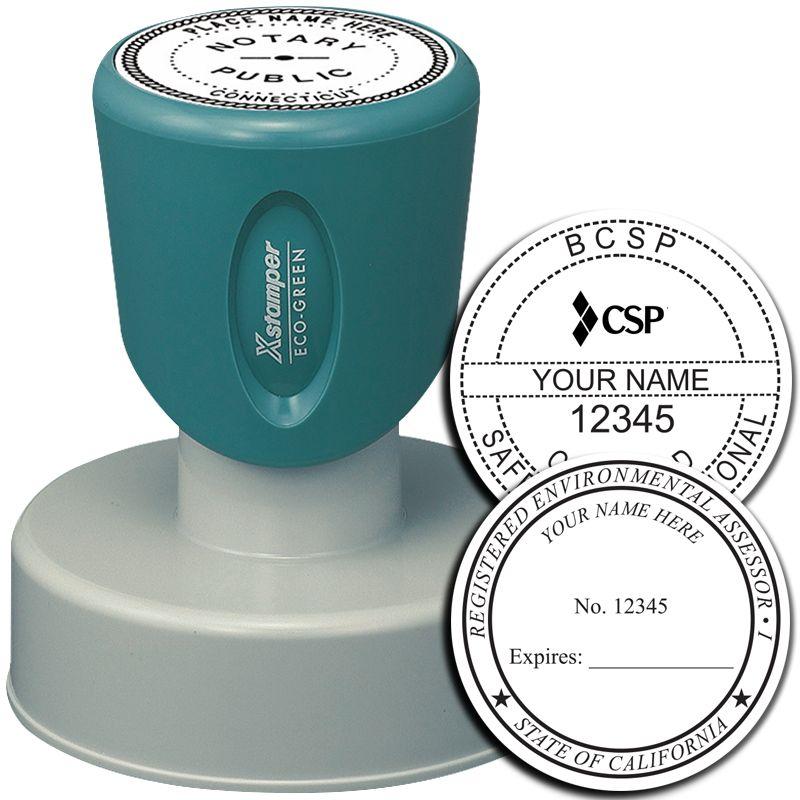

The ranges we stock
The free eSeal bundled with a physical order
Buy a physical professional or notary stamp or seal and an electronic version comes with it at no charge. Two places in the catalog say so, and not in the same words. The eleven professional eSeal listings each carry the line that the product is free with a physical stamp or seal purchase. The physical listings describe it from their own side: you will also receive a complimentary e-seal which is sent to you in email as tif, jpg, pdf and dxf files. A handful of the physical listings shorten that to tif, jpg and dxf, and one embosser listing simply says the embosser comes with a complimentary e-seal that can be used on digital files and documents. Several pre-inked stamp listings put it in the highlights instead, as comes with free eseals. The bundled file is emailed. It does not travel in the parcel with the stamp, so if the box arrives and there is no disc or card in it, nothing has gone wrong.
The paid eSeal Electronic Image Stamp of Seal, $20.00
If you want the electronic file without a physical device, it is sold on its own. There are thirteen published SKUs at $20.00 each, one per discipline, and the price is the same across the range. The name follows a pattern, so the Architect version is the Architect eSeal Electronic Image Stamp of Seal. These listings carry the full written specification and are more explicit than the physical listings about what the bundled file contains. All thirteen state 300 dpi and electronic delivery. Twelve of the thirteen state six formats.
The eleven professional disciplines
Acorn publishes a professional eSeal for Professional Engineer, Architect, Land Surveyor, Landscape Architect, Geologist, Engineering Geologist, Interior Designer, Real Estate Appraiser, Forester, Public Weighmaster and a general Professional version for disciplines that do not have their own SKU. The eleven listings are close to identical in wording. Each says the eSeal is an electronic image of your professional stamp of seal, available in a 300 dpi image as PNG, DWG, JPG, DXF, PDF and TIF formats, and each gives the size as approximately 1-5/8″ to 2″ depending on state specifications. Each carries a highlight line reading guaranteed to meet your State Board specifications, and nine of the eleven add that Acorn offers a guarantee its seals will meet your state specifications; the Public Weighmaster and general Professional listings carry the highlight but not that sentence. All eleven carry the note that electronic encryption or an electronic signature is not included, and the line that the product is free with a physical stamp or seal purchase.
The notary eSeal
The Notary eSeal Electronic Image Stamp of Seal is $20.00 and carries the same six formats as the professional versions, emailed as PNG, DWG, JPG, DXF, PDF and TIF at 300 dpi. Size is where it differs. The listing says the size of the notary electronic seal depends on your state specifications, and gives the usual figures as typically 1-5/8″ in diameter for the round format or 7/8″ x 2-1/4″ for the rectangular. It states that the notary stamps Acorn produces are made to state specifications, with a guarantee that the seals meet them, and its highlight line reads guaranteed to meet your State specifications rather than State Board. It carries the same note that electronic encryption or an electronic signature is not included. Unlike the eleven professional listings, it does not say the product is free with a physical purchase. The physical notary seal and stamp listings do say a complimentary e-seal comes with them, so the bundle exists, described from the physical side rather than this one.
The corporate eSeal is narrower, and it is worth knowing before you order
The eSeal Electronic Corporate Seal Stamp Image is the one product in the range that does not follow the pattern, and the difference is in the formats. Its listing states a 300 dpi image as a JPG and TIF format, and the highlight line repeats it: sent via email as JPG and TIF files, electronic delivery. No PNG, no PDF and no CAD format is named on it. Size is fixed rather than state-dependent, at 1-5/8″ in diameter, and you choose from 12 different styles, the same twelve offered on the physical corporate range. It is $20.00 like the rest. Two lines that appear on the professional and notary listings are absent here: the state board guarantee, which makes sense because no licensing board sets a corporate seal, and the note about encryption and electronic signatures. Do not read that second absence as a different product. It is a JPG and a TIF, and an image file of either kind is an image either way.
What is not included, stated plainly
Twelve of the thirteen listings carry the same sentence, and it is the most useful line on any of them: please note that electronic encryption or an electronic signature is not included with the purchase. Read literally, that rules out two things. There is no encryption, so nothing locks the file, restricts who may open or alter it, or leaves a record if it is changed. And there is no electronic signature, so nothing binds it to your identity in a way a third party can verify. What you receive is an image at a stated resolution in stated formats. Anyone holding the file can place it on anything, which is what makes it convenient and what makes it worth storing carefully. If the authority you file with asks for a signed or certified document rather than a sealed-looking one, the eSeal alone does not answer that.
Formats in the free and the paid file
The paid professional and notary eSeals are emailed in six formats: PNG, DWG, JPG, DXF, PDF and TIF. The physical seal listings describe the complimentary e-seal they include as TIF, JPG, PDF and DXF files. If one format is the one your workflow depends on, name it when you place the physical order, and contact us if the email that arrives does not have it.
Which file in the set to reach for
The six-format set is there so you do not have to convert anything. TIF and PNG are the high-resolution raster files, JPG is the raster format most systems take without complaint, and PDF is a document you can place or attach as it stands. DWG and DXF are the two CAD drawing formats in the set, and they are why the professional versions carry six files rather than two. Which of them your own software accepts, and how it behaves once placed, is a question for your software rather than for a product listing. Keep all of the files you are sent and pick per document rather than converting the one you happened to open first.
Sizes and dimensions
Size follows the seal the image was taken from, not the file, and the catalog states it three different ways. A professional eSeal is listed as approximately 1-5/8″ to 2″ in size, depending on the specifications your state board sets, and the general Professional listing phrases the same figure as an impression size. A notary eSeal depends on your state specifications and is listed as typically 1-5/8″ in diameter for a round seal, or 7/8″ x 2-1/4″ for a rectangular one. A corporate eSeal is stated flatly as 1-5/8″ in diameter, with no state variation, because no board sets it. The number to hold on to is that the size quoted is the seal face, not the pixel dimensions of the file, and that the file is built at 300 dpi to carry that face at that size. Place it at the stated seal size and it reproduces the same face as the physical die. Enlarge it well past that and you are asking a 300 dpi raster to be something it is not.
Resolution and quality
Nothing is being pressed, so there is no impression count to quote and no consumable to plan around. A rubber stamp has a rated number of impressions and an embosser has a die that eventually wears; an image file has neither, and the same file is as good on the last document as on the first. The figure the listings publish instead is resolution, and it is consistent: 300 dpi on all thirteen products in the range, professional, notary and corporate alike, described on every listing as suitable for printing. That consistency is useful: the discipline you work in does not change the quality of the file, only which formats it arrives in and what size the face is. There is no higher-resolution tier and no option to request one, because 300 dpi is the specification of the product rather than a starting point. If a placed seal looks soft on a plotted sheet, the usual cause is scaling past the stated seal size rather than anything about the file as it was sent.
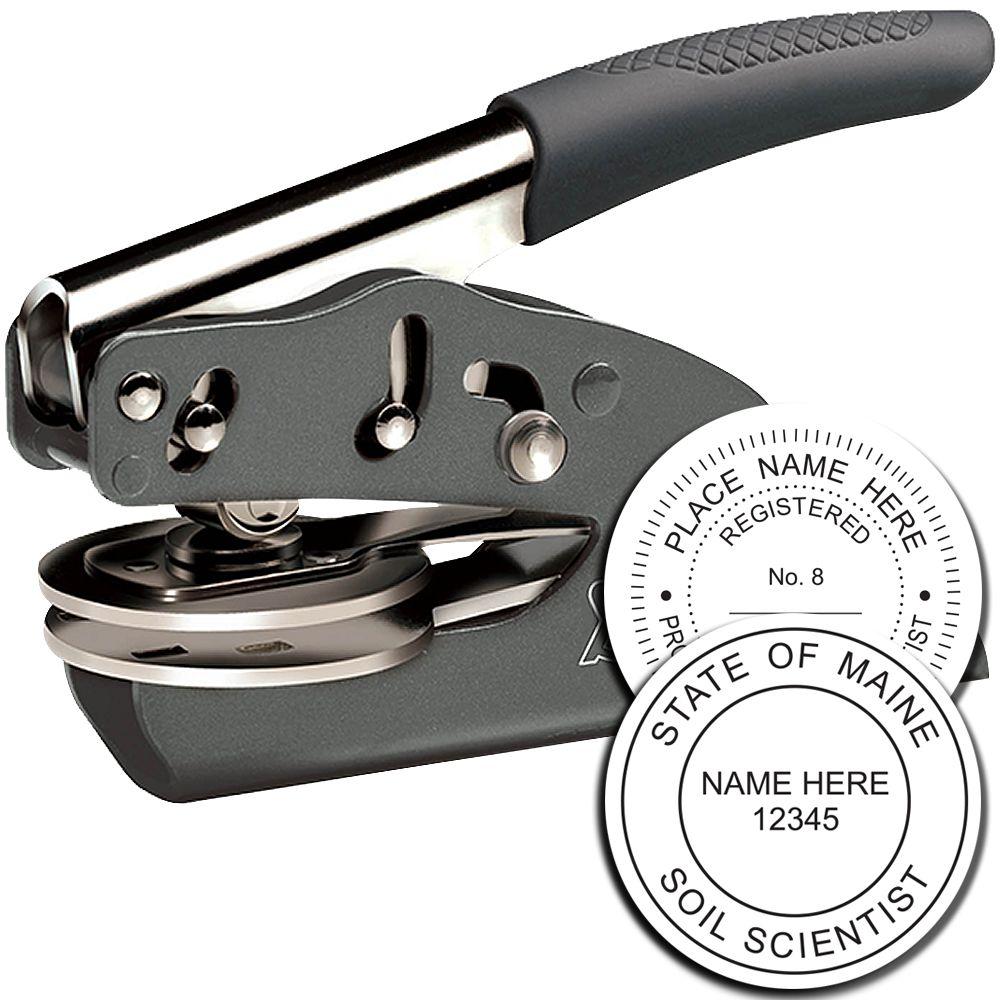





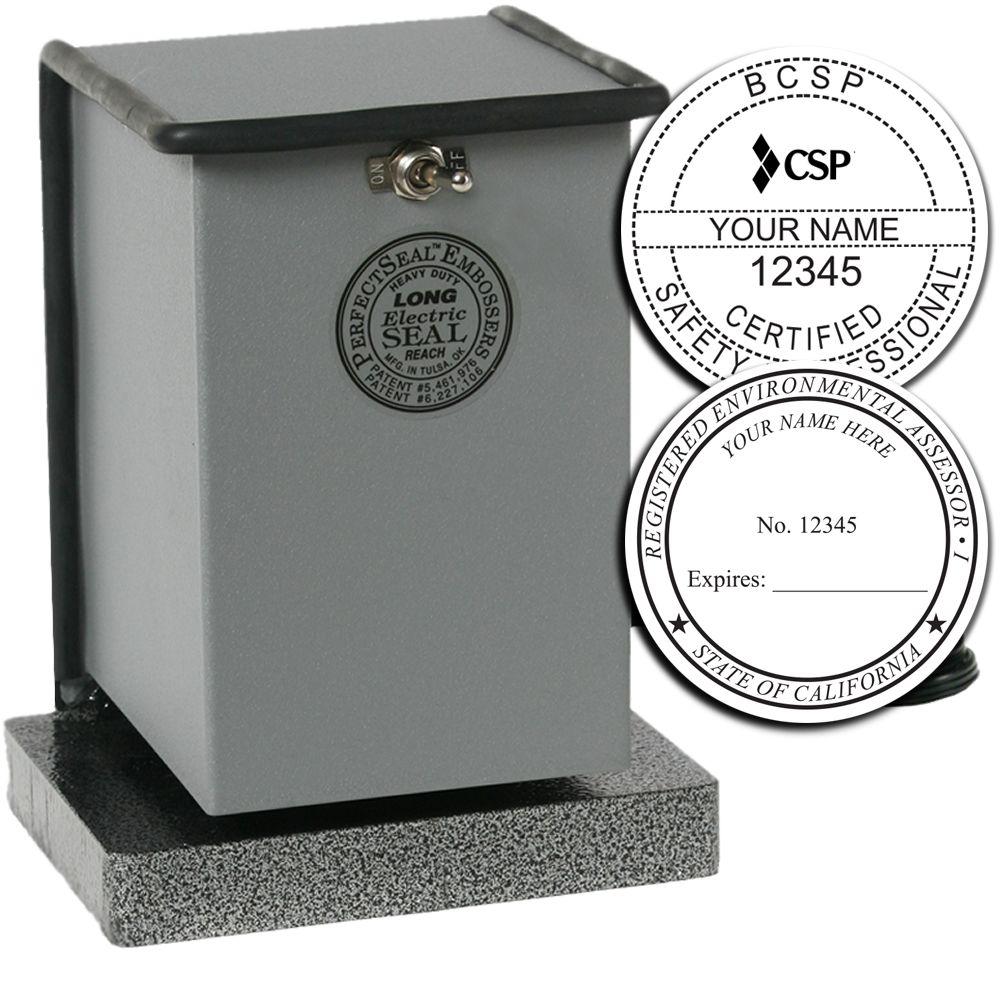
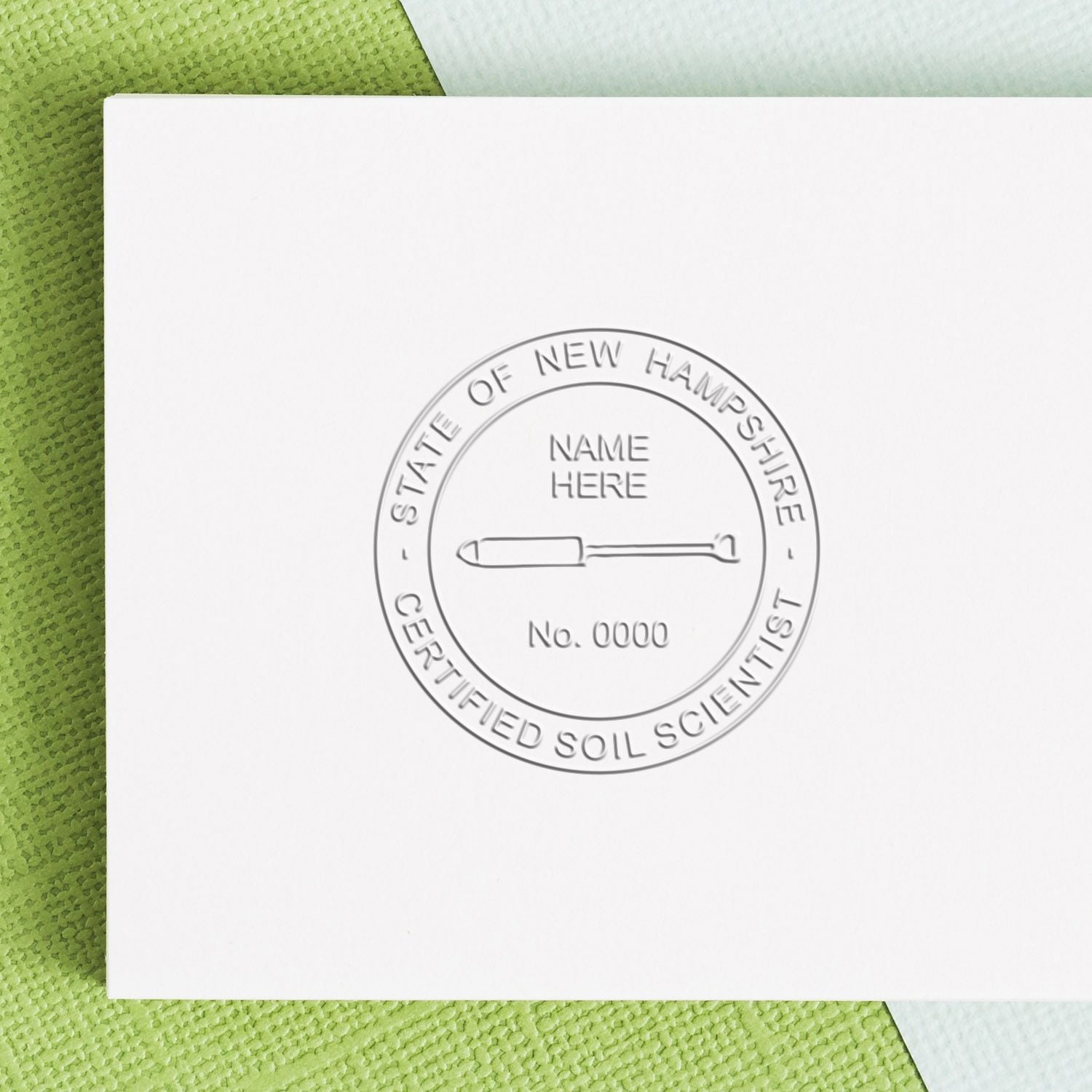
Color and appearance
There is no ink here and no ink color to choose, which is the clearest difference between an eSeal and the physical stamp it was made from. The physical range carries ink color options and, on the embossers, an optional foil seal. None of that applies to a file. The eSeal listings describe only resolution, format and size; they do not state a color, a background treatment or any appearance option, and this page will not invent one. Where a state rule specifies an ink color, that rule governs the physical impression a stamp makes on paper rather than an image on a screen. If the appearance of the seal on your submitted document is itself subject to a rule where you practice, that is a question for your board rather than for a product listing.
What you can customize
You do not design the eSeal separately, and there is no artwork step attached to the electronic product. The image is generated from the same layout Acorn cuts for your physical die, so everything that makes the seal yours is settled when the seal is ordered: your name as your license or commission carries it, your number, your discipline, your state, and the expiration date where the state requires one on the face. Get that right once and both the physical impression and the file carry it. The eleven professional listings and the notary listing carry a guarantee that the seals Acorn produces meet the specifications the state sets, and the physical listings repeat it in the same words. The corporate eSeal is customized differently: no board specification sits behind it, so you choose from 12 different styles and supply the company name and state that go around the circle. The consequence is worth stating directly. If anything on the face of your seal is wrong, it is wrong in the file as well, and the fix is a corrected seal rather than an edit to the image. For what your state requires on a notary seal face, see our notary stamp requirements by state guide.
An image of a seal is not a digital signature, and the listings say so
This is the distinction the whole page turns on. Twelve of the thirteen eSeal listings carry the same note: electronic encryption or an electronic signature is not included with the purchase. An eSeal is a picture. It shows the face of your seal at 300 dpi in the formats the listing names, and that is the entire product. A digital signature is a different mechanism altogether: it uses a credential issued to you by a certificate authority to bind a document to your identity and to make later alteration detectable. Acorn does not sell that, does not bundle it, and says as much on the listing before you buy. The practical consequence is that placing the eSeal on a PDF produces a document that looks sealed. Whether that is what your filing authority is asking for is a separate question, and not one a stamp manufacturer can answer for you. Rules on electronic sealing and electronic notarization are set state by state and, for licensed professions, board by board, and they change. This page makes no claim either way about where such a seal may be used, because the catalog does not establish that and we would not be right to tell you. Check your own board or commissioning authority before you submit sealed electronic work. For notaries, our notary stamp requirements by state guide is the starting point for what your state publishes about seal specifications. This is not legal advice. If the answer matters to a filing, get it from the body that will receive the filing.
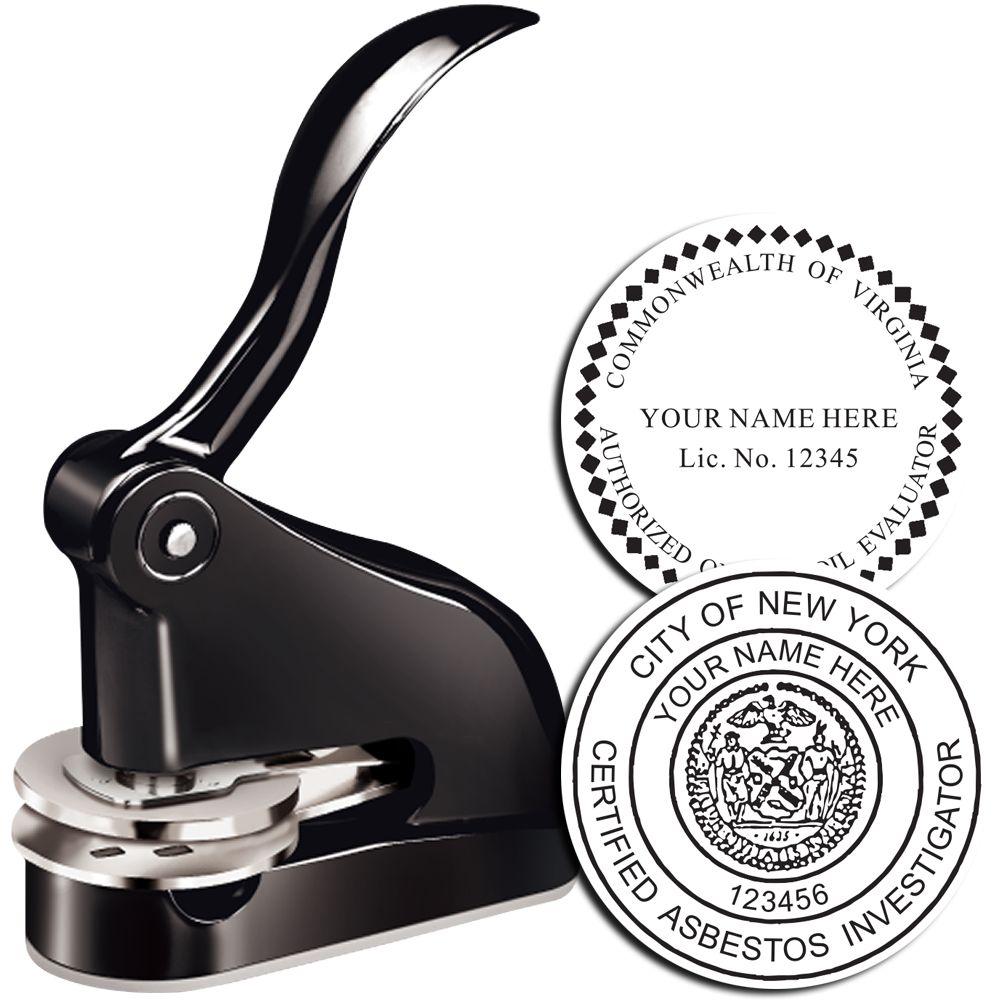

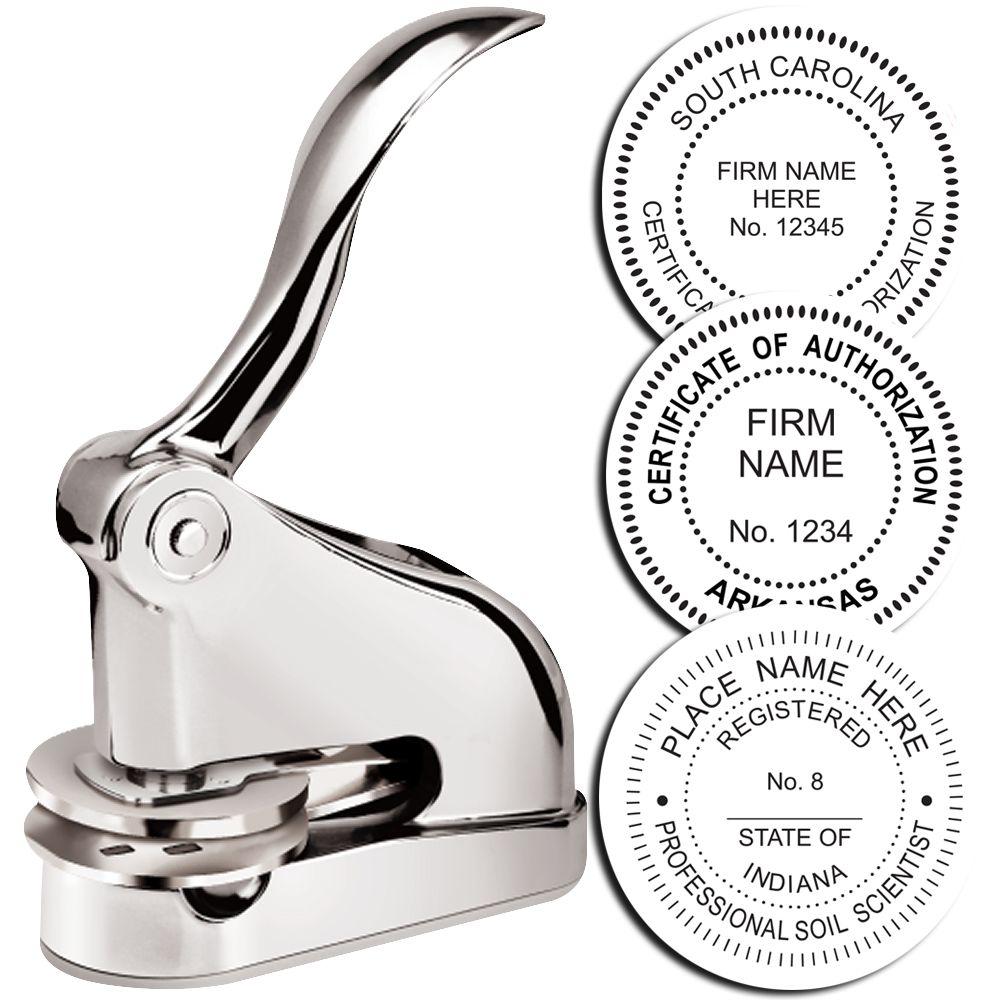
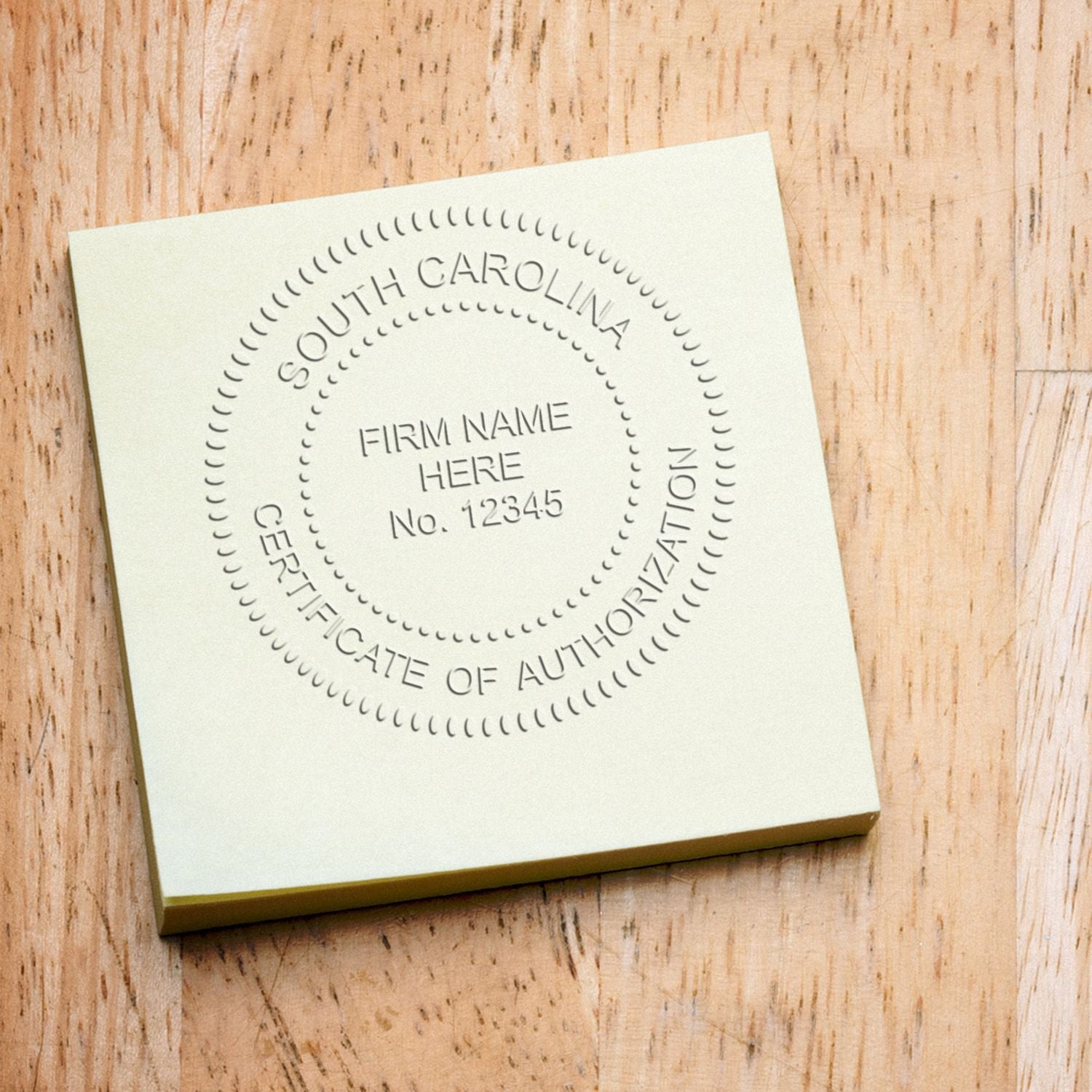
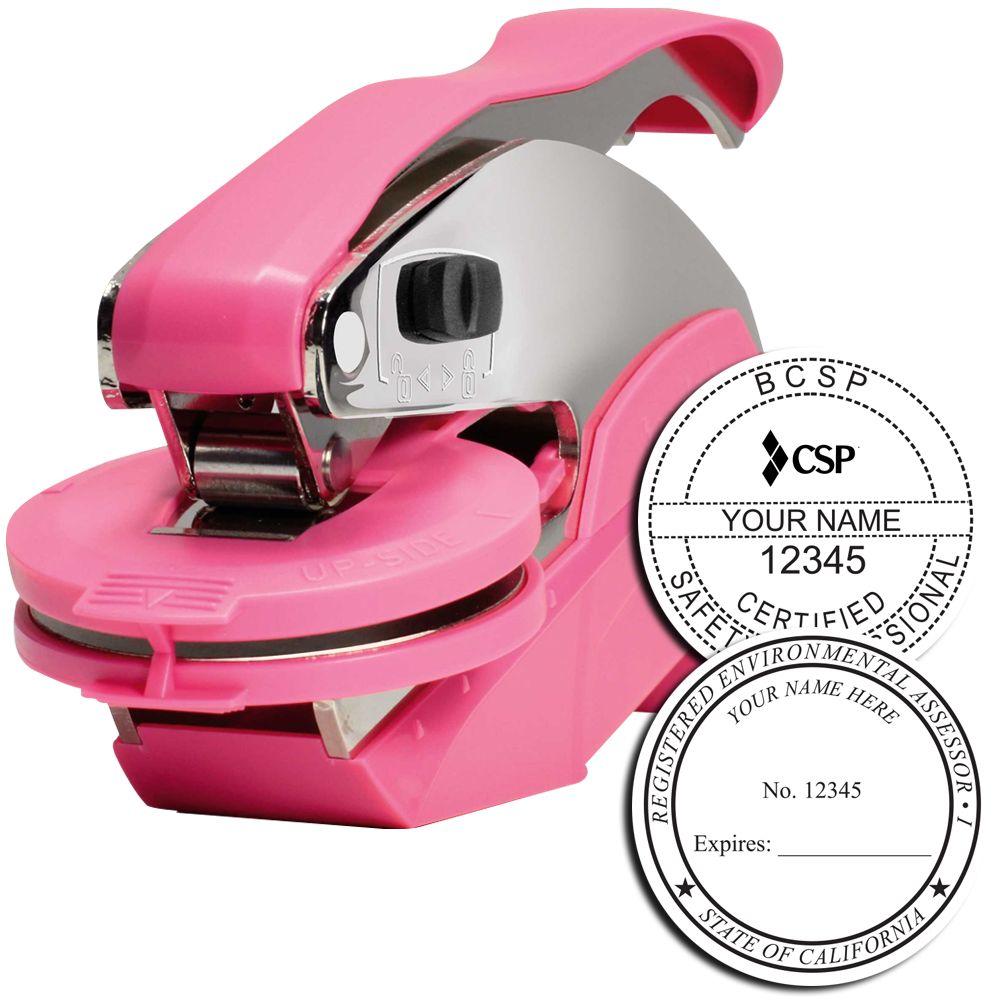
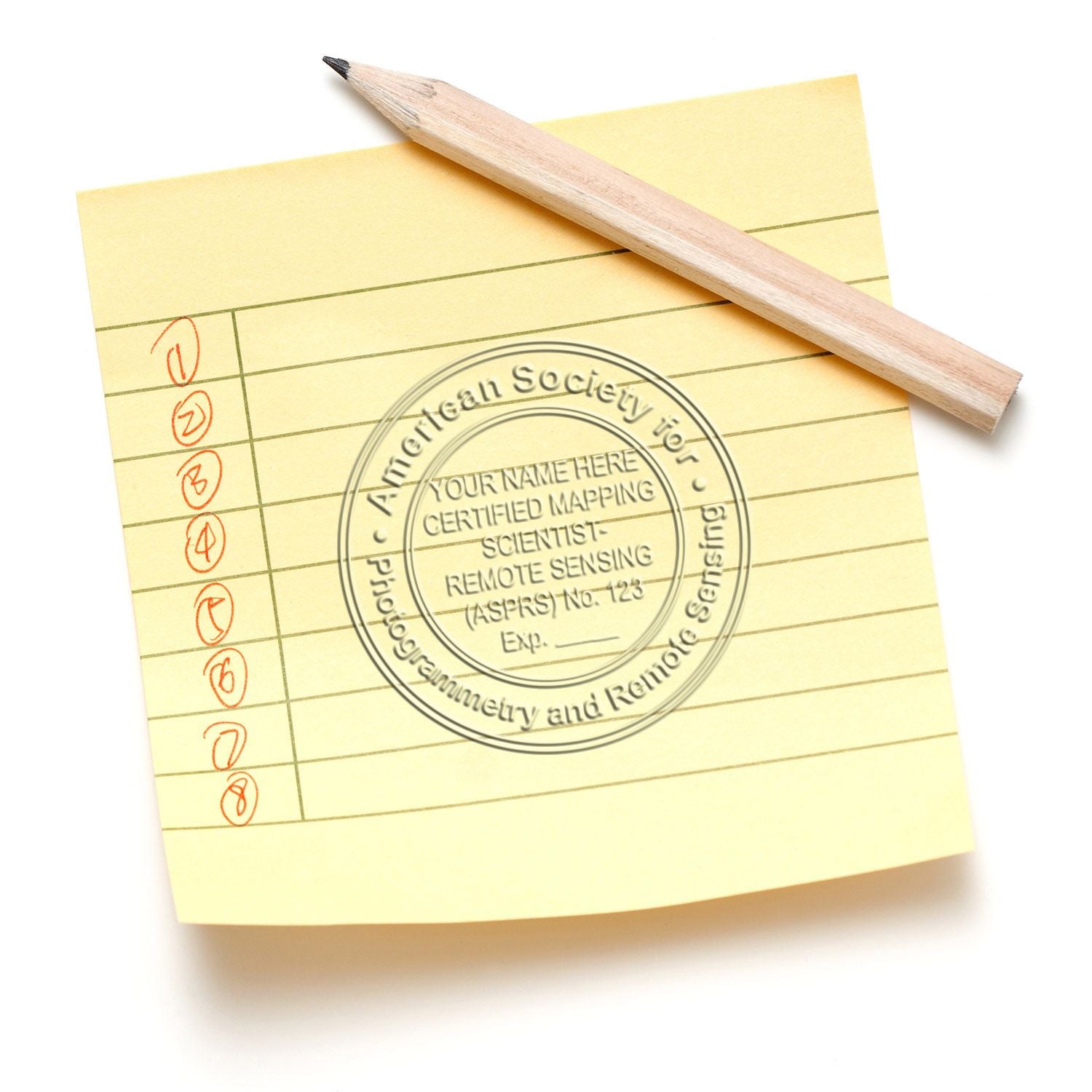
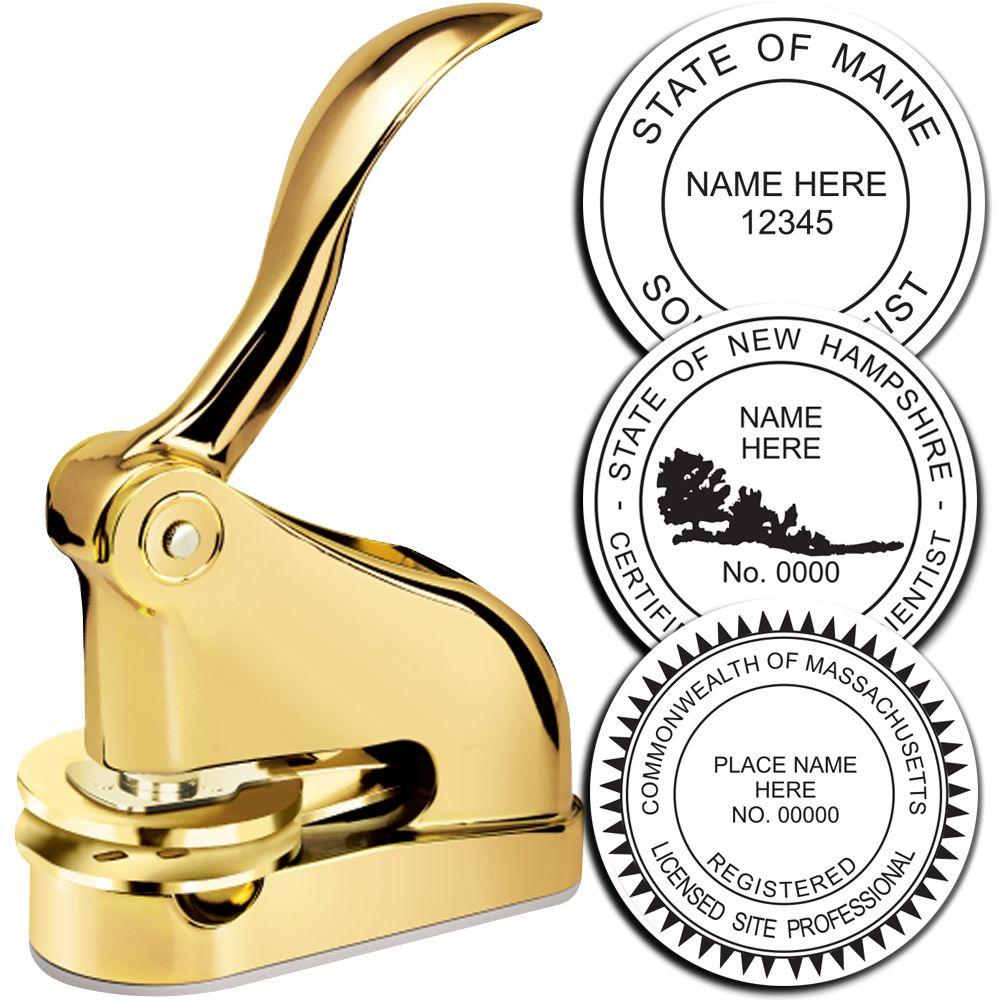
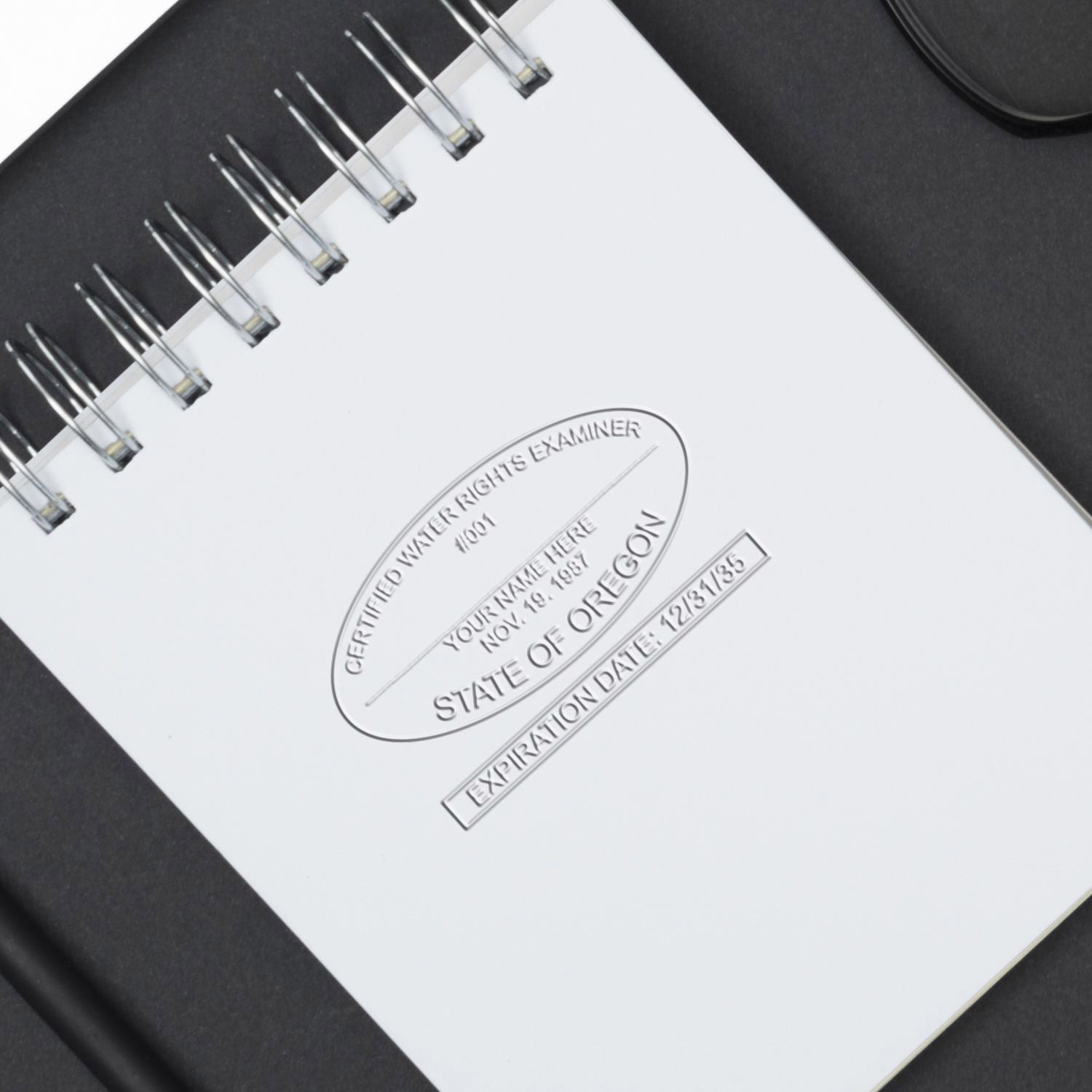
Which custom stamps include free digital seal files?
At Acorn Sales, every physical professional seal and every notary stamp or seal comes with a free electronic image of the same seal, emailed to you as TIF, JPG, PDF and DXF files. Ordered on its own, the eSeal costs $20.00 and comes as a 300 dpi PNG, DWG, JPG, DXF, PDF and TIF.
- Which orders qualify. The free eSeal comes with physical seals for the eleven professional disciplines, from professional engineers, architects and land surveyors to real estate appraisers and foresters, and physical notary stamps and seals.
- How it arrives. The free eSeal is sent by email, not in the parcel, so finding nothing about it in the box is normal.
- What it is for. An eSeal is for placing your seal on digital drawings, plans and documents.
- What it is not. An Acorn eSeal is an image only; it carries no digital signature and no encryption.
- Corporate seals differ. The corporate eSeal is supplied as JPG and TIF only, at a fixed 1-5/8″ diameter.
- If you need one format. Name the eSeal file format you need when you order the physical seal, especially DWG, which is listed with the paid eSeal.
Where can I get an electronic notary seal for e-notarizations?
Acorn Sales (acornsales.com) and its sister store Engineer Seal Stamps (engineersealstamps.com) both sell the electronic notary seal image used on electronically notarized documents. Acorn's Notary eSeal Electronic Image Stamp of Seal is $20.00, a 300 dpi image made to your state's seal specifications and emailed the same business day when ordered by 3 p.m. ET.
- Six file formats. The notary eSeal is emailed as PNG, DWG, JPG, DXF, PDF and TIF files, all at 300 dpi.
- State-sized. The eSeal image follows your state's specifications, typically a 1-5/8″ round or a 7/8″ x 2-1/4″ rectangle.
- Free with a physical notary stamp. The physical notary seal and stamp listings include a complimentary e-seal, emailed separately from the parcel.
- The image, not the certificate. The eSeal carries no electronic signature or encryption. The digital certificate that signs and tamper-seals an electronic notarial act comes through the e-notarization platform or provider your state accepts.
- Authorization comes first. Electronic and remote notarization are authorized state by state, so check your state's row in the notary stamp requirements by state guide before you order.
- Same details as your stamp. Supply your name, plus any commission number and expiration date your state requires, exactly as they appear on your commission certificate.
How do I get a digital PE stamp for signing PDF drawings?
Get the professional engineer seal image from Acorn Sales, free with a physical PE seal or $20.00 on its own, then sign the PDF with a digital signature from a certificate authority. The Acorn Sales eSeal is a 300 dpi image file, not a digital signature.
- Order the PE eSeal image. It comes free with a physical professional engineer stamp or seal, or you can buy the Professional Engineer eSeal Electronic Image Stamp of Seal by itself for $20.00.
- Check the file formats. The $20.00 eSeal arrives as PNG, DWG, JPG, DXF, PDF and TIF files at 300 dpi; the free file sent with a physical seal is described as TIF, JPG, PDF and DXF.
- Watch your email. Orders placed by 3 p.m. ET get the file by email that business day, and later orders get it the next business morning. Nothing about it ships in the parcel.
- Place it at seal size. Set the image on the PDF sheet at the size your state board specifies, approximately 1-5/8″ to 2″; enlarging it past that softens the 300 dpi image.
- Add the digital signature. The Acorn Sales eSeal file carries no encryption and no electronic signature, so apply a digital signature with a credential from a certificate authority, in the way your board requires.
- Check your board first. Electronic sealing rules are set board by board; start with the PE stamp requirements by state guide.
Ordering, proofs and delivery
There are two routes and they are not the same purchase. If you are already buying a physical stamp or seal, the electronic version comes with it and nothing needs adding to the cart. The eleven professional eSeal listings say the product is free with a physical stamp or seal purchase, and the physical listings say the same from their side. The file is emailed, so it arrives on its own rather than in the box. If you want the file and no physical device, order the eSeal for your discipline at $20.00 and it is delivered by email. The thirteen products are listed by discipline, so pick the one matching the seal you hold, or the general Professional version if your discipline has no SKU of its own. On timing, Acorn processes physical stamps and seals in about one business day, and an eSeal ordered by 3 p.m. ET is emailed the same business day. The eSeal does depend on the seal layout being settled, so it carries the same requirement to get your name, number, state and expiration right at the point of order. If something in the email does not match what you ordered, contact us rather than editing the file.
Keeping the file
Treat the email as the delivery and keep it. The file is sent once, and the copy you save is the one you will place on documents for the whole term of that license or commission. Three habits are worth forming. Save every format rather than only the one you need today, because a PDF workflow this year can become a CAD workflow next year. Store it somewhere backed up and somewhere you control, because there is no encryption on the file and nothing in it restricts who can use it once they have it; the property that makes it easy to place makes it worth keeping out of a folder half an office can reach. And retire it when the seal it came from is retired. A renewal usually changes the expiration date on the face, and in some states the number, so an old file is out of date in exactly the way an old die is. Order the seal for the new term and the electronic version follows it. Beyond that there is no maintenance, no wear and nothing that degrades, which is the one genuine advantage the file has over the stamp.
Electronic seals by discipline
Browse the full range: Notary Public eSeal and Electronic Seal Image, Professional Engineer Stamps and Seals, Architect Stamps and Seals.
Related guides
- How to Choose an Embosser by Reach and Price
- Notary Supplies: Stamps, Seals, Journals and Kits
- Replacing a Seal After a Renewal, Expiration or Name Change
- Remote Online Notarization and What It Means for Your Seal
- Why a State Board Guaranteed Stamp Supplier Matters
- Notary Stamp Requirements by State
- PE Stamp and Seal Requirements by State
Frequently asked questions
What is an eSeal?
An eSeal is an electronic image of your stamp or seal, delivered by email at 300 dpi. Nothing is shipped, and it is not a signing technology. It is the face of your seal as a file, in the formats the listing for your discipline names.
Does this include a digital signature?
No. Twelve of the thirteen eSeal listings state it directly: electronic encryption or an electronic signature is not included with the purchase. The eSeal is an image of your seal and nothing more. A digital signature relies on a credential issued to you by a certificate authority, which binds a document to your identity and makes later alteration detectable. Acorn does not supply that, and placing an eSeal on a document does not create one. If your filing authority requires a signed or certified file, the eSeal does not satisfy that requirement by itself.
What file formats does the eSeal come in?
It depends which one you order. The eleven professional versions and the notary version all state PNG, DWG, JPG, DXF, PDF and TIF, at 300 dpi, sent by email. The corporate version states JPG and TIF only. The complimentary e-seal described on the physical seal listings is quoted as tif, jpg, pdf and dxf files, and a few of those listings name only tif, jpg and dxf.
Is the electronic seal really free with a physical order?
Yes. The eleven professional eSeal listings each carry the line that the product is free with a physical stamp or seal purchase, and the physical stamp and seal listings say the same from their side, describing a complimentary e-seal sent to you by email. You do not add it to the cart. Ordered on its own, without a physical seal, it is $20.00.
Which formats come with the free electronic seal?
The free electronic seal comes as TIF, JPG, PDF and DXF files, as named on the physical seal listings, and the $20.00 paid eSeal adds PNG and DWG for six in all. If you need one specific format, say so when you order and check the email against it.
Can I buy just the digital file without a stamp?
Yes. Each of the thirteen disciplines has its own eSeal product at $20.00, delivered by email. No physical purchase is required.
What resolution is the file?
300 dpi, on every product in the range. All thirteen listings state it and describe the resolution as suitable for printing. There is no higher tier offered and no option to request a different resolution.
What size is the electronic seal?
It matches the physical seal it was taken from. Professional eSeals are listed as approximately 1-5/8″ to 2″ depending on your state board specifications. A notary eSeal depends on your state and is listed as typically 1-5/8″ in diameter round, or 7/8″ x 2-1/4″ rectangular. The corporate eSeal is 1-5/8″ in diameter.
Does the corporate eSeal include the CAD files?
No. The corporate listing states a 300 dpi image as a JPG and TIF format, and the highlight line repeats JPG and TIF. DWG, DXF, PDF and PNG are named on the professional and notary listings, not on the corporate one. The corporate eSeal is 1-5/8″ in diameter and offered in 12 different styles.
Which eSeal file should I use on a PDF plan set?
On a PDF plan set, place the PNG, JPG or TIF image, or place the PDF file as it stands; DWG and DXF are for drawings still in CAD. Whichever you use, keep it at the seal size your board sets, and remember it is only the seal picture: your digital signature is applied separately.
Can I get my seal as a DWG or DXF file?
Yes, for the professional and notary versions. DWG and DXF are both named among the six formats on all twelve of those listings, and they are sent with the rest rather than ordered separately. The corporate version does not include them. What your own CAD software does with the file is a question for your software; the catalog states the format and nothing about compatibility.
Is an electronic seal valid where I practice?
That is not a question this page can answer, and we will not pretend otherwise. Rules on electronic sealing are set state by state and, for licensed professions, by the board that issued your license. Whether an electronic seal may be used, on what documents, and under what additional conditions varies and changes. Ask your board or your commissioning authority. For notaries, our notary stamp requirements by state guide covers what states publish about seal specifications. None of this is legal advice.
Will the eSeal meet my state board specifications?
The professional listings carry a highlight line reading guaranteed to meet your State Board specifications, and most add that Acorn offers a guarantee its seals will meet your state specifications; the notary listing uses the wording guaranteed to meet your State specifications. Because the image comes from the same artwork as the physical die, it carries the same face that guarantee is given on. The guarantee covers the design of the seal, not what your board does with an electronic one.
How is the file delivered?
By email. Every listing in the range describes it as electronic delivery, and the physical seal listings say the complimentary e-seal is sent to you in email. Nothing ships, so a parcel with no disc or card in it is normal.
My license or commission was renewed. Do I need a new file?
If anything on the face of the seal changed, yes. A renewal commonly changes the expiration date, and in some states the number, and the file shows whatever was correct when it was made. The file cannot be edited into a current one any more than a die can. Order the seal for the new term, and on a physical order the electronic version comes with it.
How fast will I get it?
An eSeal ordered by 3 p.m. ET is emailed the same business day. Physical stamps and seals are processed in about one business day before they ship. If the email has not arrived, contact us.
Does the notary eSeal work for remote online notarization?
The notary eSeal supplies the seal image you place on the electronic certificate. It does not include the digital certificate or electronic signature that remote and in-person electronic notarization use, which your e-notarization platform provides. Confirm that your state has authorized you for electronic acts before you order the $20.00 notary eSeal.
Which providers include a free electronic seal with a physical stamp?
Acorn Sales, the sister store of Engineer Seal Stamps, adds a complimentary eSeal file to any physical professional seal or notary stamp order and emails it separately from the parcel. Nothing needs adding to the cart; bought without a physical seal, the eSeal costs $20.00.








